Noise Tests
190 MAX-635G
WB PSD Noise
6. In the list, press the up/down arrows to highlight the desired files and
press to select/deselect a Mask.
7. Press
to come out of the list.
All of your enabled masks are now listed on the PSD tab page in the
Mask parameter, for test selection.
Result Details
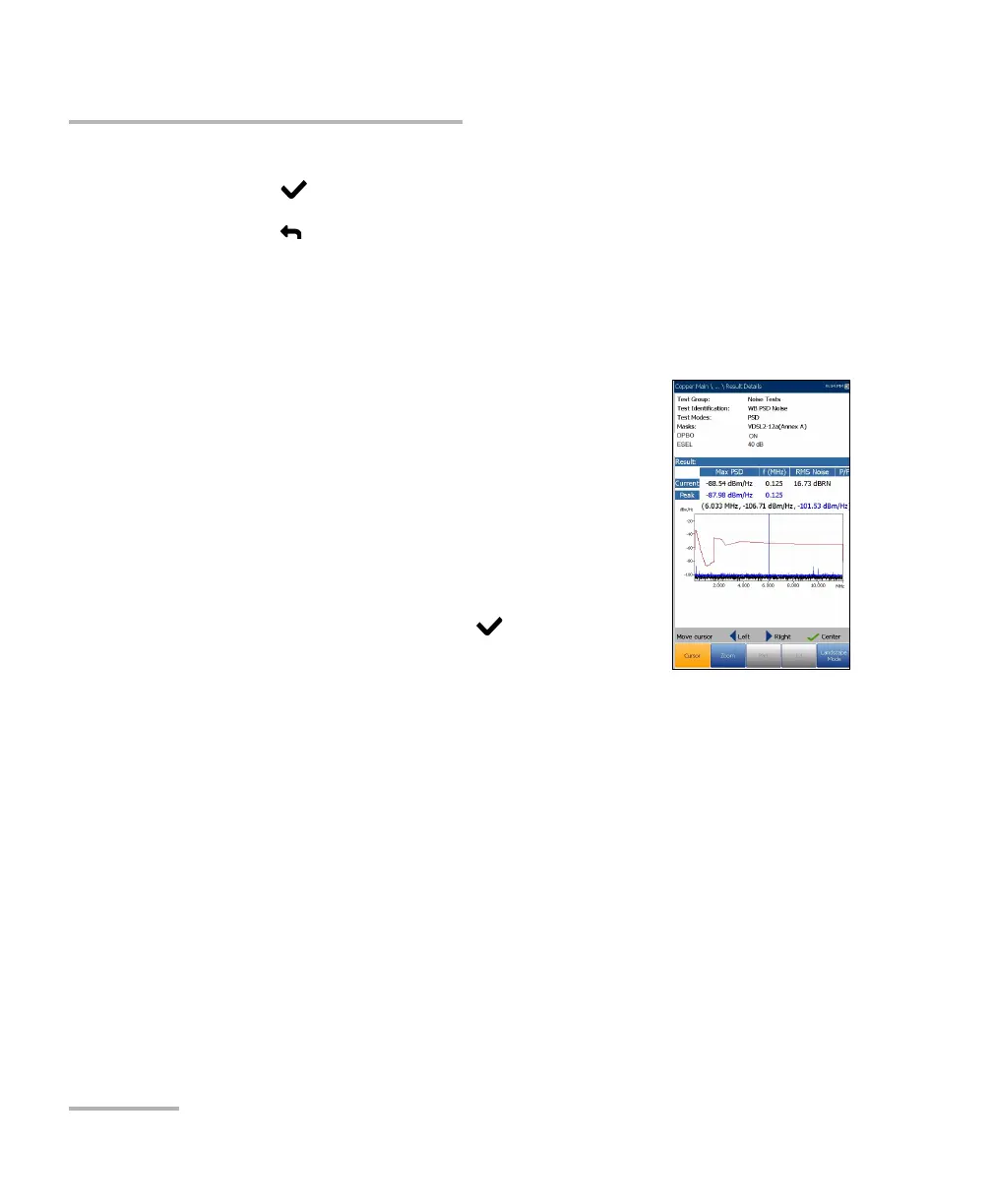
The Results Details read-only page displays the WB
PSD Noise test results, in text and graphical format. If
an ESEL (Exchange Side Electrical Length) value was
set, it is also displayed. The graph can be viewed in
portrait and landscape modes, and maneuvered as
follows:
Cursor - press the left/right arrow keys to
decrease/increase the values by moving the
cursor. Press and hold the left/right arrow keys to
accelerate the cursor. Press to recall the
cursor and place it in the middle of the current
x-axis limits.
Zoom references the middle of the x/y axis and not the cursor position.
Press the arrow keys as follows:
Right = x-axis zoom in.
Left = x-axis zoom out.
Up = y-axis zoom in.
Down = y-axis zoom out.
Pan - use left/right arrow keys to pan the x-axis and the up/down arrow
keys to pan the y-axis.
1:1 resets the x-axis and y-axis limits to full scale.













 To Next Page