Frequency Tests
Copper and G.fast/VDSL2/ADSL2+ Multi-play Test Set 211
VF/AC Balance
Result displays the pass/fail status and Active VF/AC Balance value.
Test Status displays the current state of measurement or an error
message.
Note: The selected Standard in Setup/Application Settings determines the
name of the frequency test - ANSI: VF Balance, ITU: AC Balance.
To select the parameter values:
1. Press the up/down arrow keys to highlight the desired parameter.
2. Press the left/right arrow keys to view and select the options.
OR
3. Press on a value to open a list box of options.
4. Press to confirm the value.
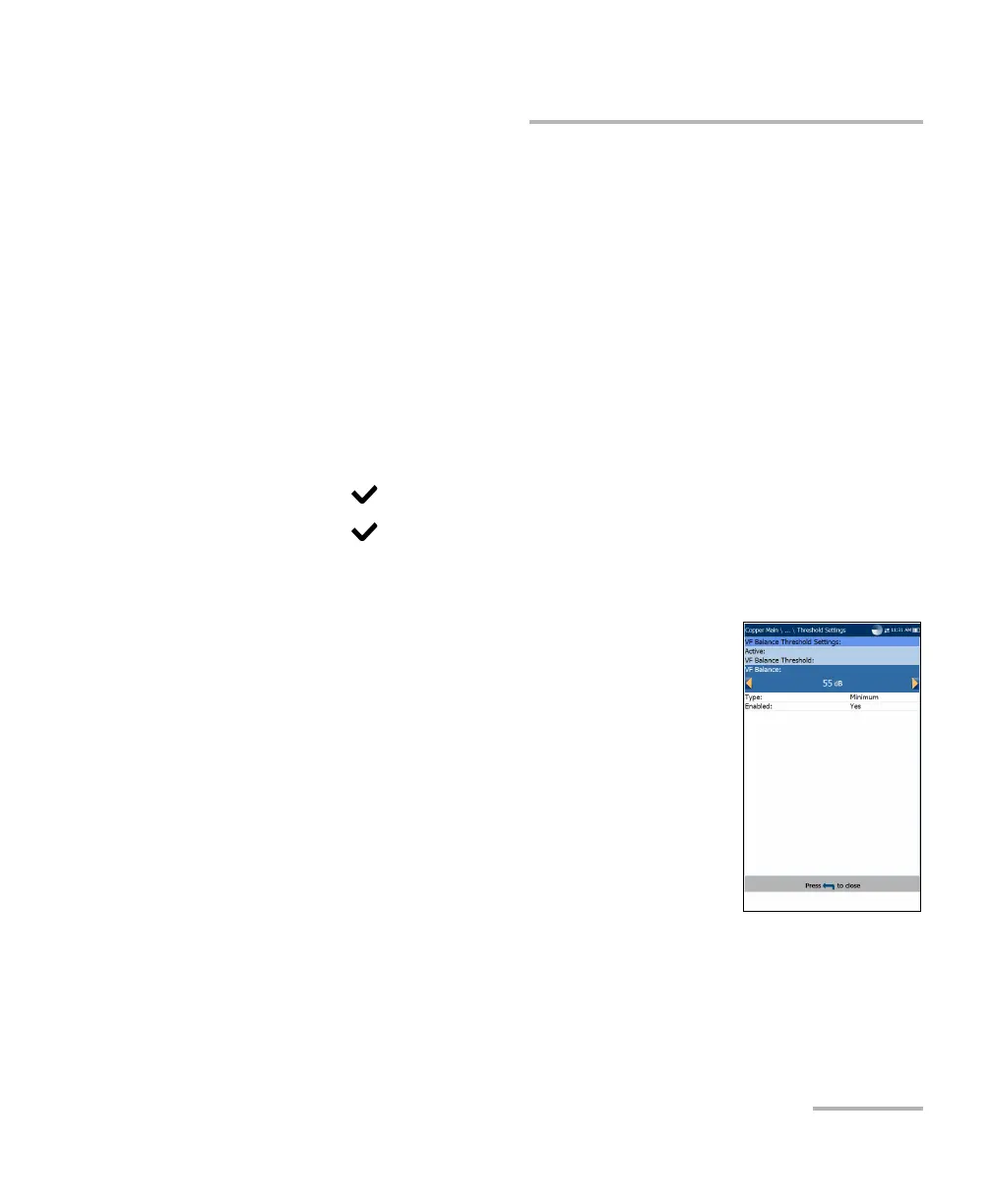
VF/AC Balance Active Threshold Settings
The Threshold Settings page allows you to set the
Active VF/AC Balance Threshold values for the test.
VF/AC Balance sets the active balance threshold.
Type is the threshold limit: either Maximum or
Minimum.
Enabled is a flag to use the existing threshold:
either Yes or No. For example, setting the
threshold Enabled to No will disable pass/fail
threshold.
To set threshold values:
1. Press the up/down arrow keys to highlight the desired parameter.
2. Press the left/right arrow keys to view and select the options.
OR













 To Next Page