Frequency Tests
Copper and G.fast/VDSL2/ADSL2+ Multi-play Test Set 243
TX/RX Tone
Result displays the values for both the TX VF/WB Level and
VF/WB Frequency.
Test Status displays the current state of measurement or an error
message.
To select the parameter values:
1. Press the up/down arrow keys to highlight the desired parameter.
2. Press the left/right arrow keys to view and select the options.
OR
3. Press on a value to open a list box of options or the alphanumeric
editor screen and use the navigation keys to scroll through.
4. Press to confirm the value.
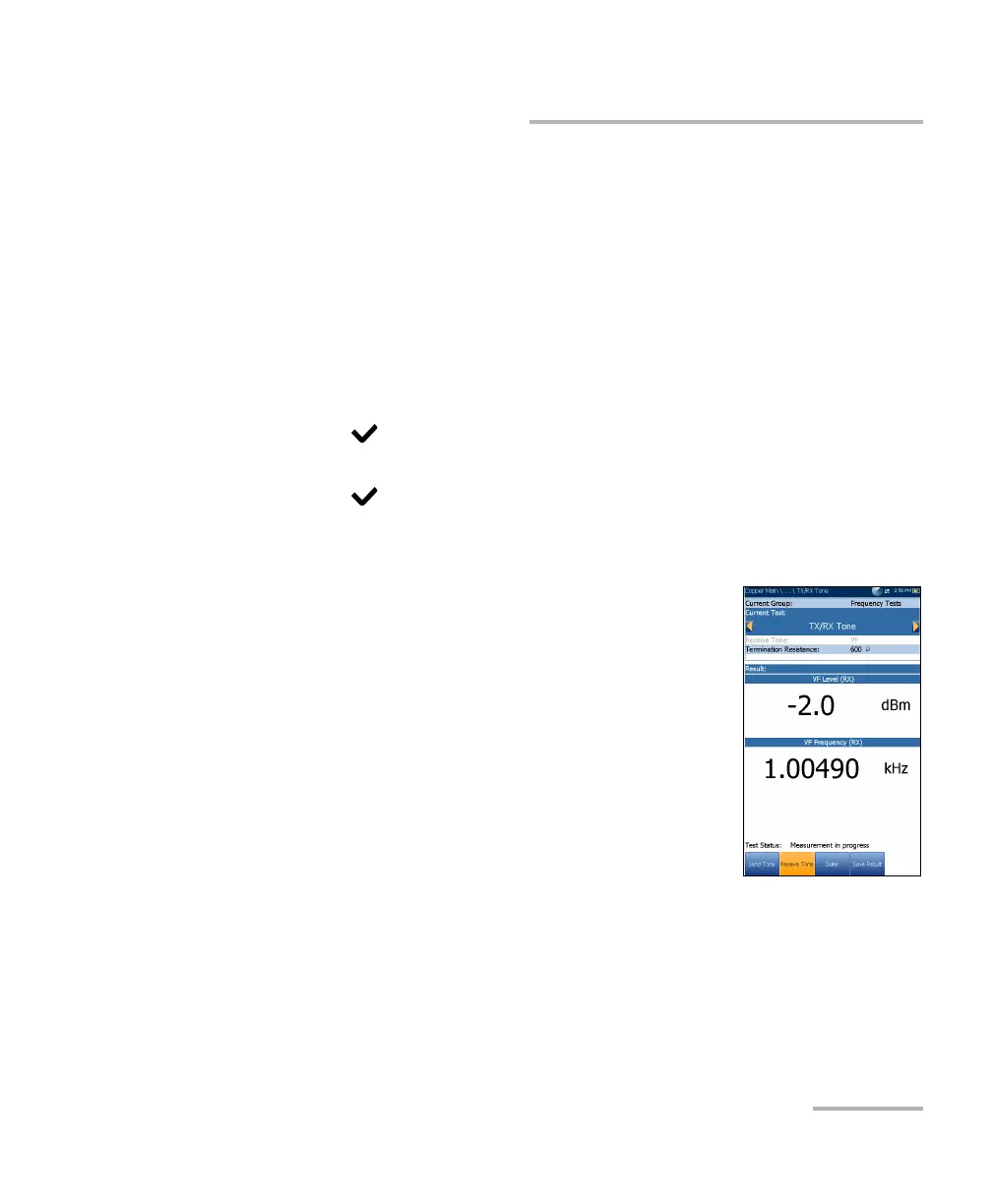
Receive Tone
The Receive Tone (RX) tab allows you to configure
and run a receive tone test, which measures the
frequency and level of incoming signals.
Current Group is the current test group name, for
example Frequency Tests.
Current Test displays the test being measured.
Here you can switch to another frequency test
from the given list. However, this action will
terminate the ongoing measurement test.
Receive Tone allows you to select either a VF
(voice frequency) or WB (wideband) signal.
Termination Resistance lists a resistance value for the termination of
the Receive Tone.













 To Next Page