RFL
288 MAX-635G
K-Test
The Confirmation diagram uses graphic and textual components.
Proceed button closes the hookup diagram prompt and starts the
test.
Cancel button closes the hookup diagram prompt only.
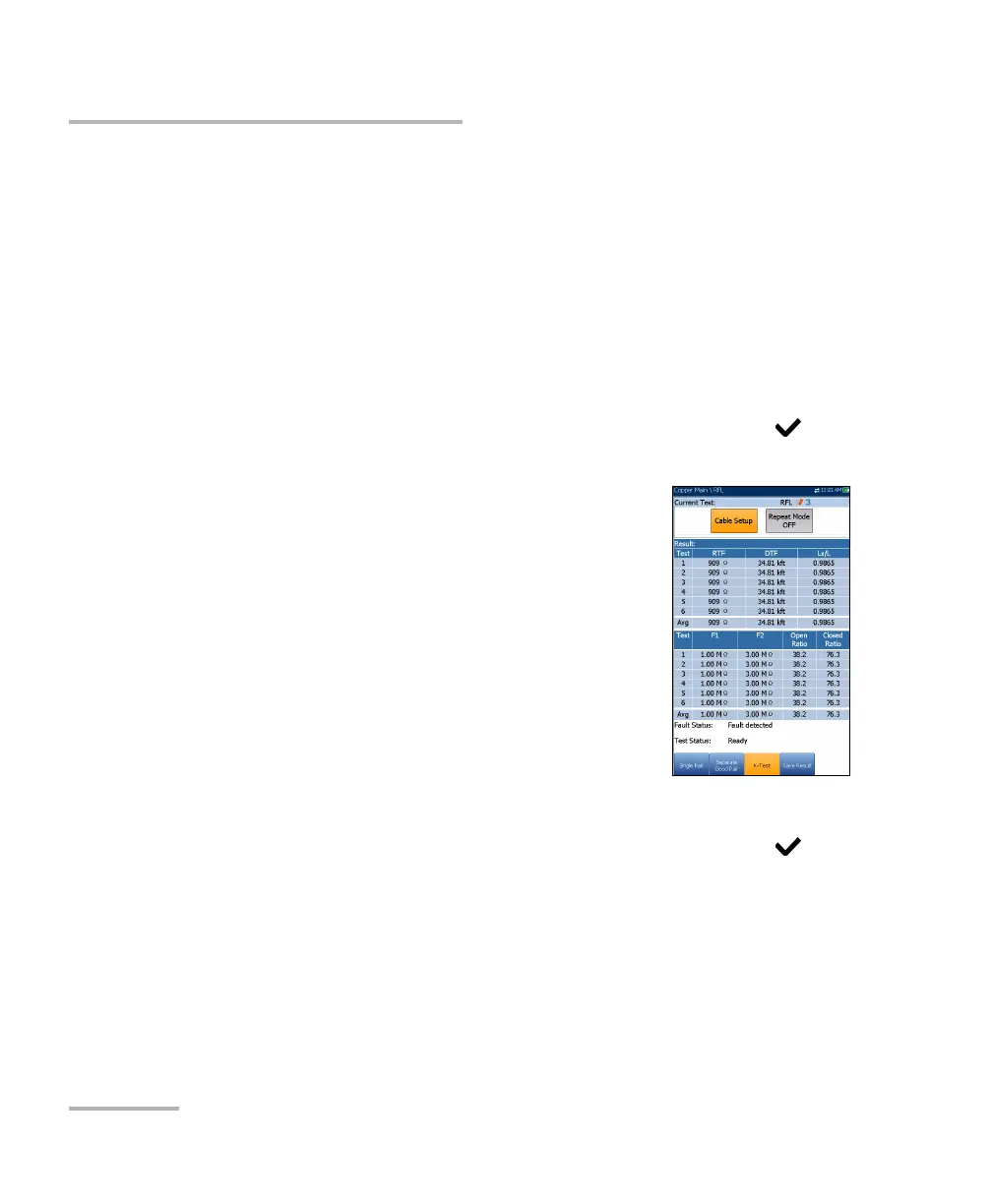
Current Test displays the test being measured. When FED is Enabled,
the FED icon and numeric state are displayed beside the Current Test.
Cable Setup button opens a new page that allows you to set the cable
parameters for the Current Test.
Press the left/right arrow key to highlight the button and press to
open the page.
Repeat Mode ON/OFF is available only when FED
is Enabled, and can be turned ON to run
alternating open/short tests (6 open, 5 closed)
displaying average values and highlighting
minimum and maximum results. When turned
OFF, the test runs in single-shot mode only.
Repeat Mode OFF is the default value.
RTF (resistance to fault) is used as a reference to
find minimum and maximum faults. When the
result deviation is greater than a 20 % Fault Status,
run the test again. If all iterations return the same
values (minimum and maximum are equal), then
no results are highlighted.
Press the left/right arrow key to highlight the button and press to
turn Repeat Mode ON/OFF.
Note: When Repeat Mode is ON, because the test will run multiple times, it may
take some time to finish.













 To Next Page