Setting Up DSL/IP Tests
344 MAX-635G
Test Setup
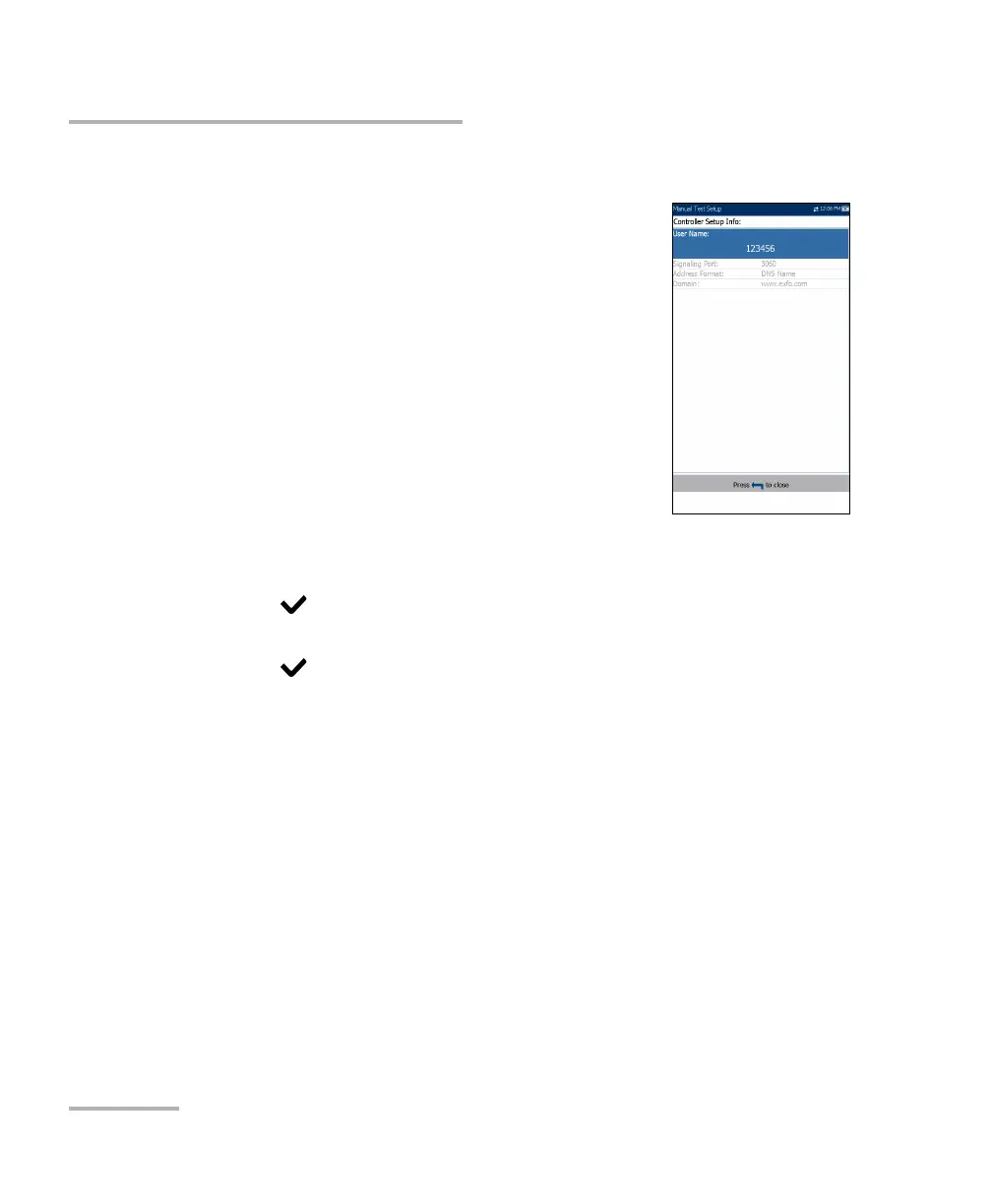
Controller Setup
The Controller is the local VoIP connection for your
MaxTester. The Controller Setup Info page allows
you to set the following VoIP parameters for your unit:
User Name allows you to enter alphanumeric
characters in this field using the editor screen to
create a name.
Signalling Port (read only) displays a fixed
numeric value of the signalling port used to
establish an IP network session.
Address Format (read only) displays DNS Name.
Domain (read only) displays the domain name
www.exfo.com.
To enter a user name:
1. Press to open the alphanumeric editor screen and use the
navigation keys to scroll through.
2. Press to confirm the value.













 To Next Page