Setting Up DSL/IP Tests
Copper and G.fast/VDSL2/ADSL2+ Multi-play Test Set 347
Test Setup
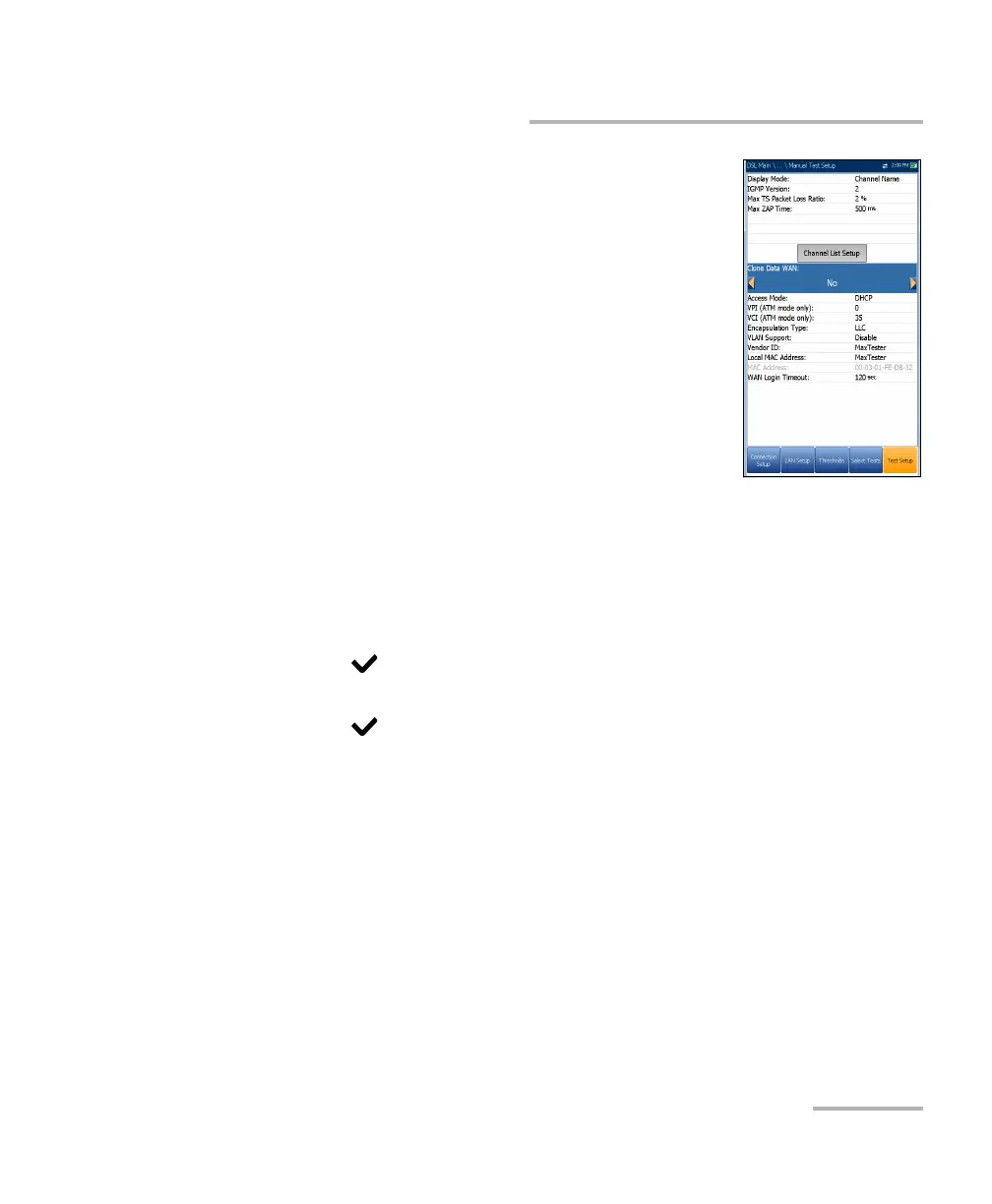
Clone Data WAN (only available in Manual Test
Setup) allows you to add the WAN configuration
from the Connection Setup tab to this test, by
selecting Yes. If you select No, all the parameters
from the Connection Setup page, beginning with
Access Mode, are listed and can be modified.
One additional Access Mode, Bridged (DHCP)
can be configured here in the IPTV WAN setup, to
support the modem in bridge mode and WinCE in
DHCP. This allows WinCE to get the WAN IP
address via DSL connection through the modem's
bridge. Bridged (DHCP) uses same parameters
as DHCP mode.
To configure test setup values:
1. Press the up/down arrow keys to select the desired parameter.
2. Press the left/right arrow keys to view and select the options.
OR
3. Press on a value to open a list box of options or the alphanumeric
editor screen and use the navigation keys to scroll through.
4. Press to confirm the value.
5. If you make any changes to the parameter values, you will be
prompted to save changes done in Profile. Press the on-screen function
keys to save or cancel your input.













 To Next Page