Setting Up DSL/IP Tests
354 MAX-635G
Test Setup
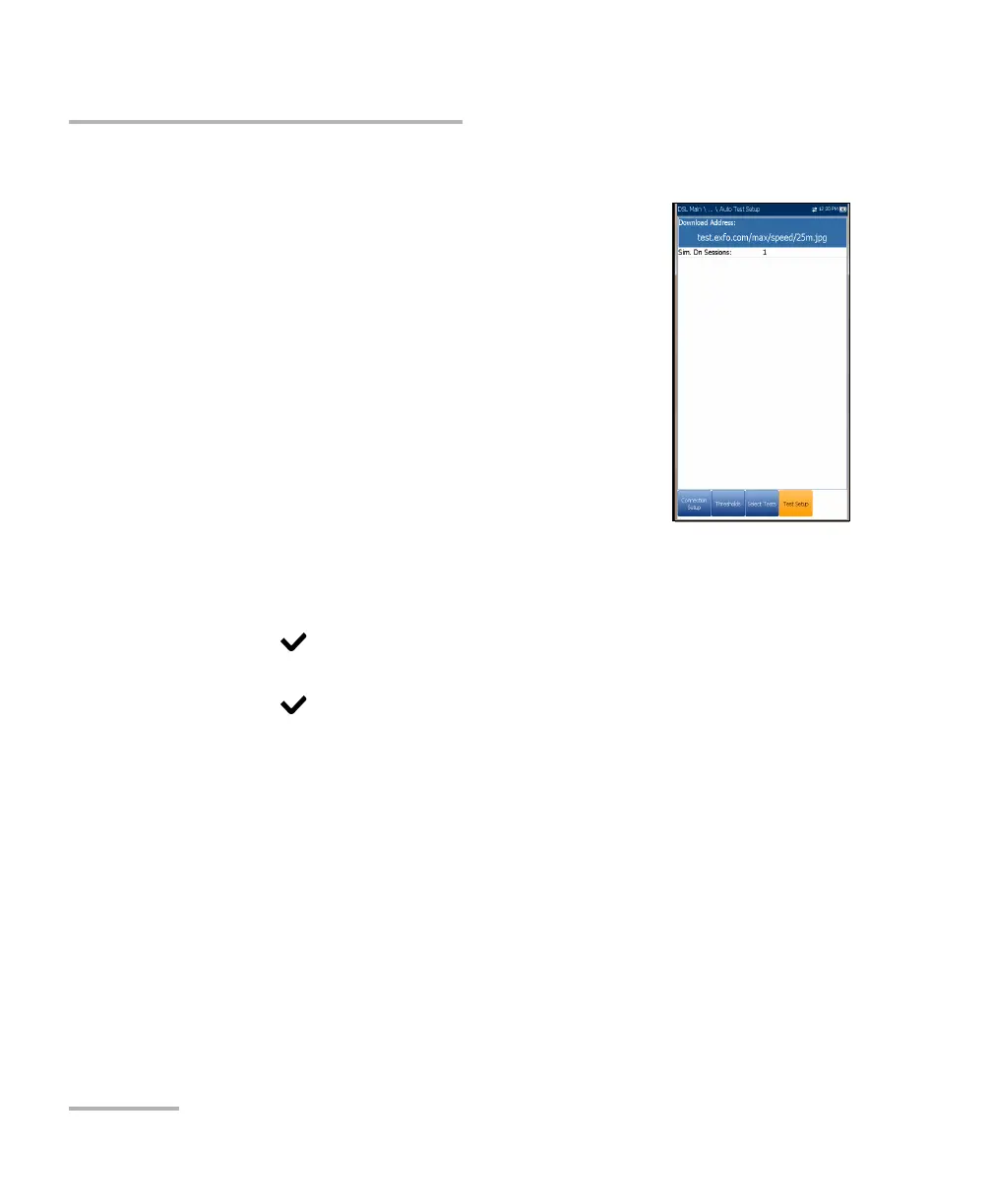
HTTP Test Setup
The HTTP Test Setup tab allows you to enter the
destination IP address or Web site URL to be
downloaded (depending on the test selected) from
the HTTP server.
Download Address is either the URL or IP
address of the destination address.
Sim. DN Sessions is the number of simultaneous
sessions required to download the file, from
1to4.
To configure test setup values:
1. Press the up/down arrow keys to select the
desired parameter.
2. Press the left/right arrow keys to view and select the options.
OR
3. Press on a value to open a list box of options or the alphanumeric
editor screen and use the navigation keys to scroll through.
4. Press to confirm the value.
5. If you make any changes to the parameter values, press the on-screen
function keys to save or cancel your input.













 To Next Page