Setting Up DSL/IP Tests
366 MAX-635G
Setup
VoIP Phone Book
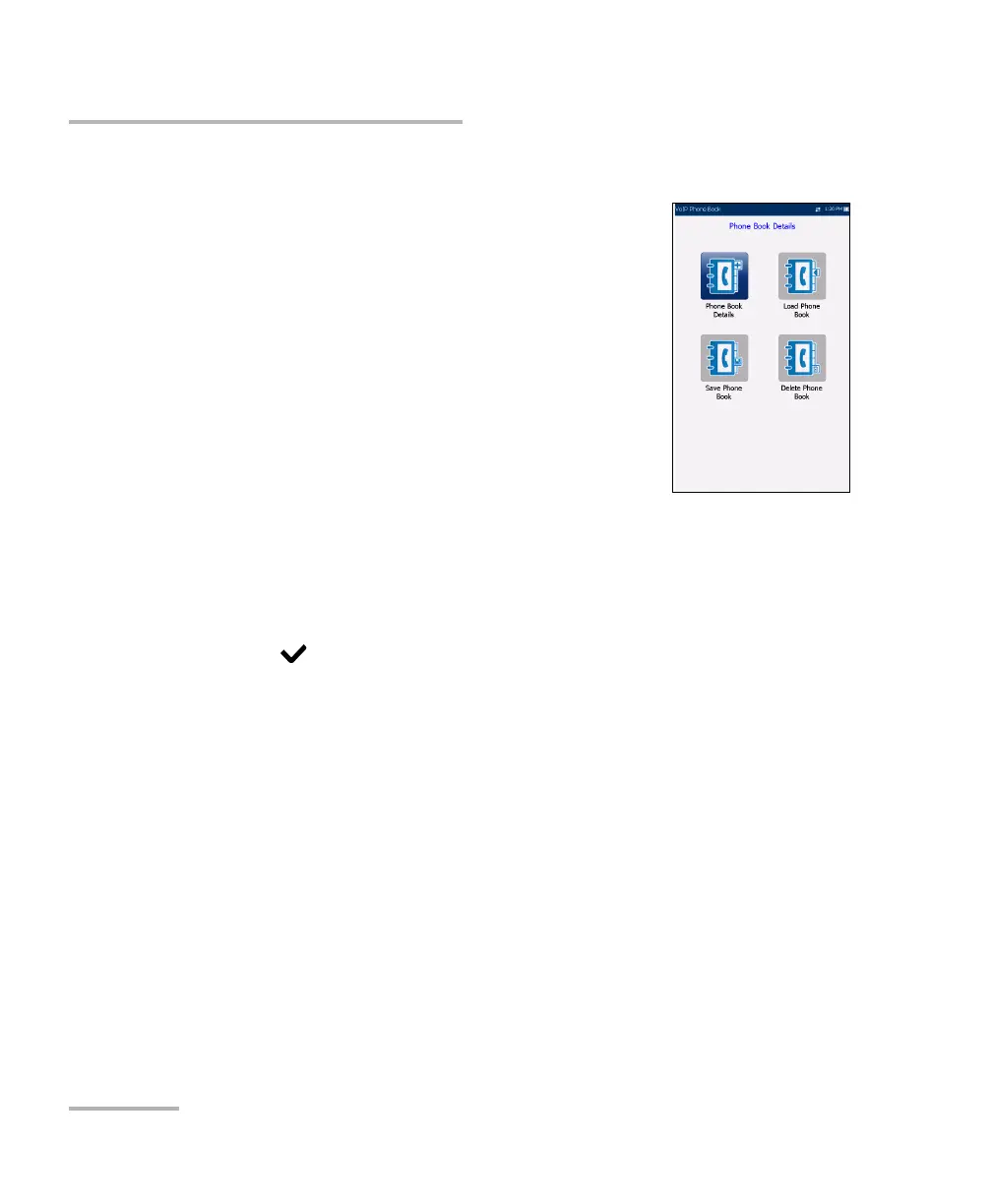
The Phone Book menu presents a selection of
functions which allow you to manage phone numbers
relevant to performing VoIP tests.
The functions are as follows:
Phone Book Details displays an editable list of
phone book entries.
Load Phone Book allows you to import a phone
book from either the internal memory of a USB.
Save Phone Book allows you to save or export a
phone book.
Delete Phone Book allows you to delete an entry.
To navigate between the phone book functions:
1. Press the up/down left/right arrow keys on the keypad to select an
icon.
2. Press
to confirm your selection.













 To Next Page