Running DSL/IP Tests and Viewing Results
382 MAX-635G
VoIP Call
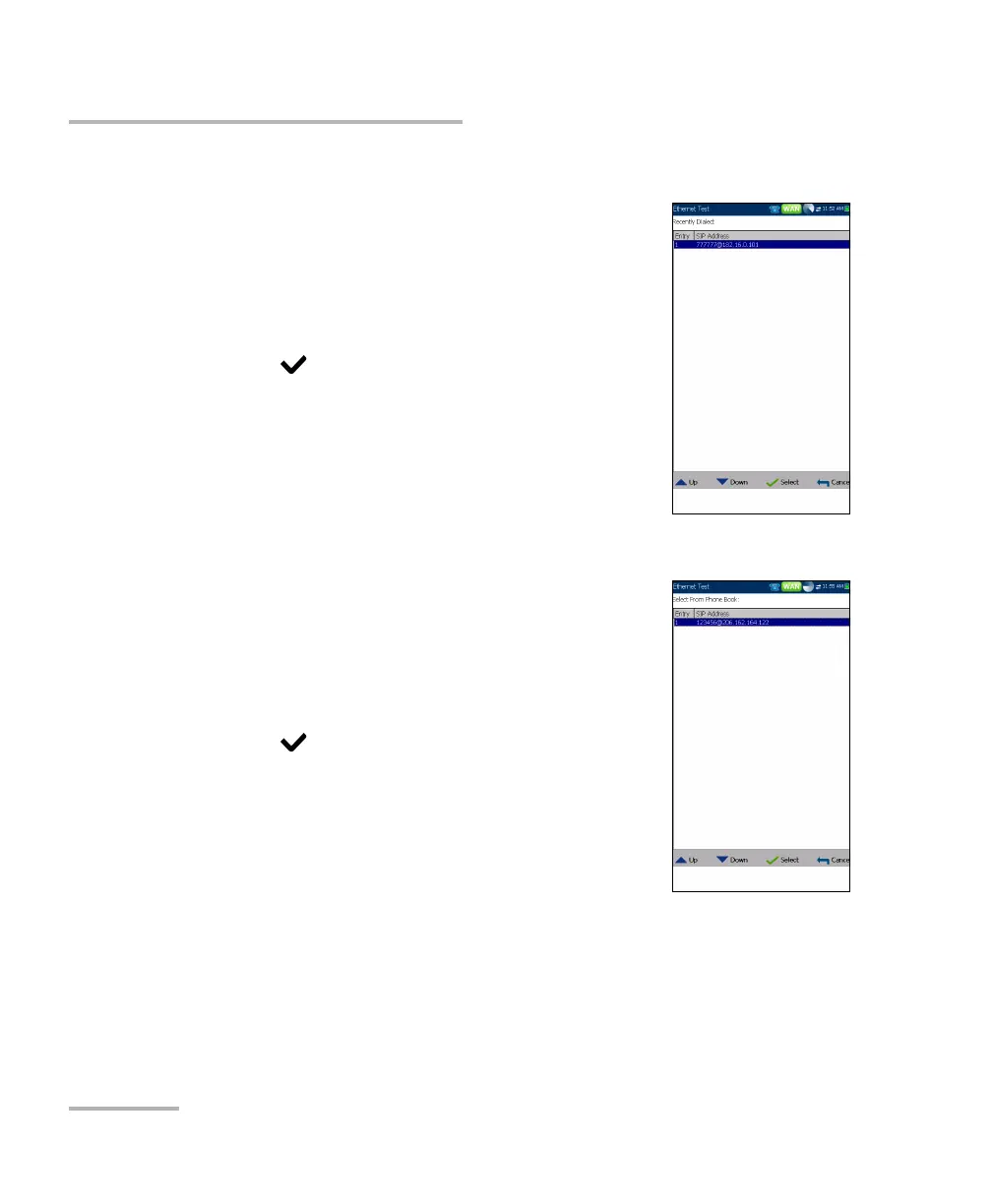
Recently Dialed
The Recently Dialed page contains a list of previously
dialed SIP entries which you can select to make your
call.
To select an entry:
1. Use the up/down arrow keys to select an entry.
2. Press to confirm your choice. The number is
automatically entered in the Enter Address field
of the VoIP Call page.
Select From Phone Book
The Select From Phone Book page contains a
selection of entries from the Phone Book, to make a
VoIP Call.
To select an entry:
1. Use the up/down arrow keys to select an entry.
2. Press to confirm your choice. The number is
automatically entered in the Enter Address field
of the VoIP Call page.













 To Next Page