6. Diagnostics and optimization
6−34
Festo P.BE−SPC200−WIN−PISA−CD−EN en 0901d
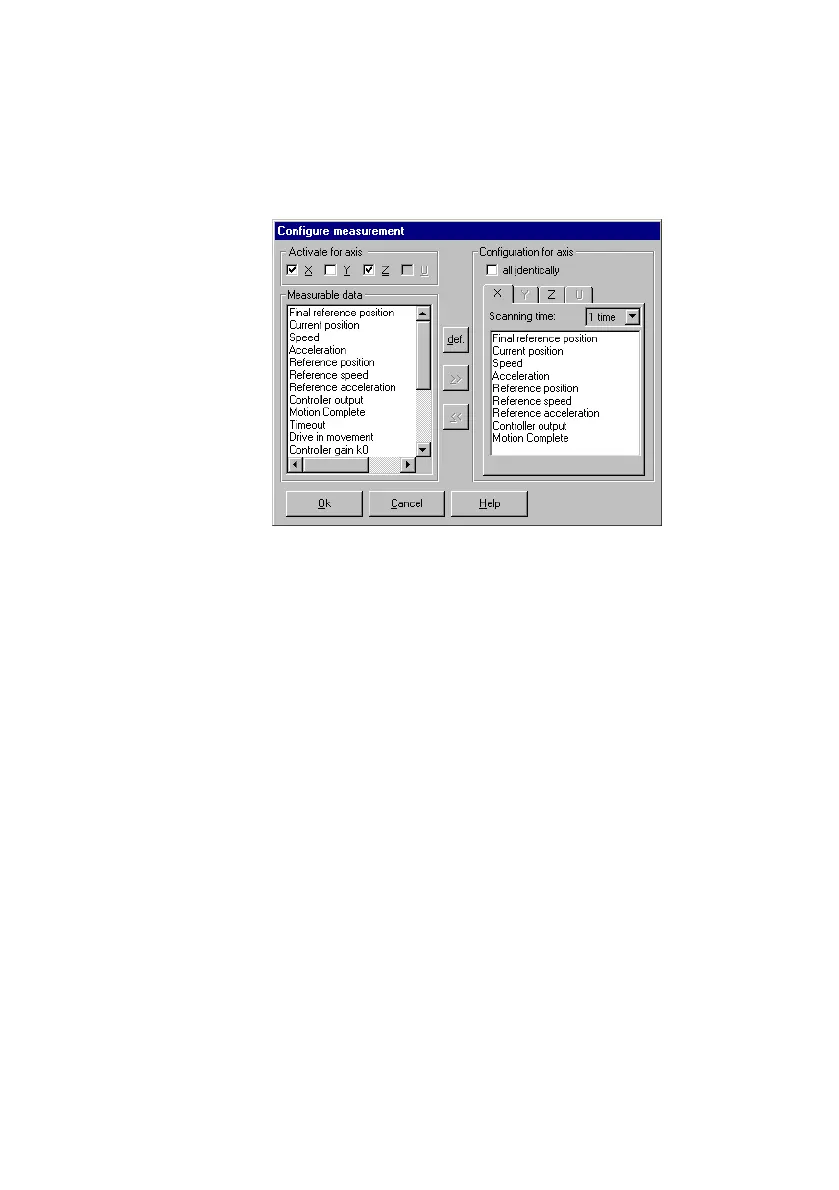
Fig.6/17: Configuring the measurement
· Set the recording cycle in the list box Scanning time".
1 time" means that measured values are recorded at
each system interval. 10 times" means that values
are recorded only every 10 system intervals.
· In order to add a measured variable to the recording,
select it under Measurable data" and transfer it to
the current tab card of the axis with the button >>".
Maximum 10 measured variables per axis can be
recorded.
· In order to remove a measured variable from the re
cording, select it under Configuration for axis" and
remove it from the current tab card of the axis with the
button <<".
· With the Default" button, you can reset all measured
variables to the standard setting (the first 9 measured
values).
· Activate the check box All identical" in order to de
fine the same settings for all the axes. The settings in
the current tab will be used.











 To Next Page