6. Diagnostics and optimization
6−51
Festo P.BE−SPC200−WIN−PISA−CD−EN en 0901d
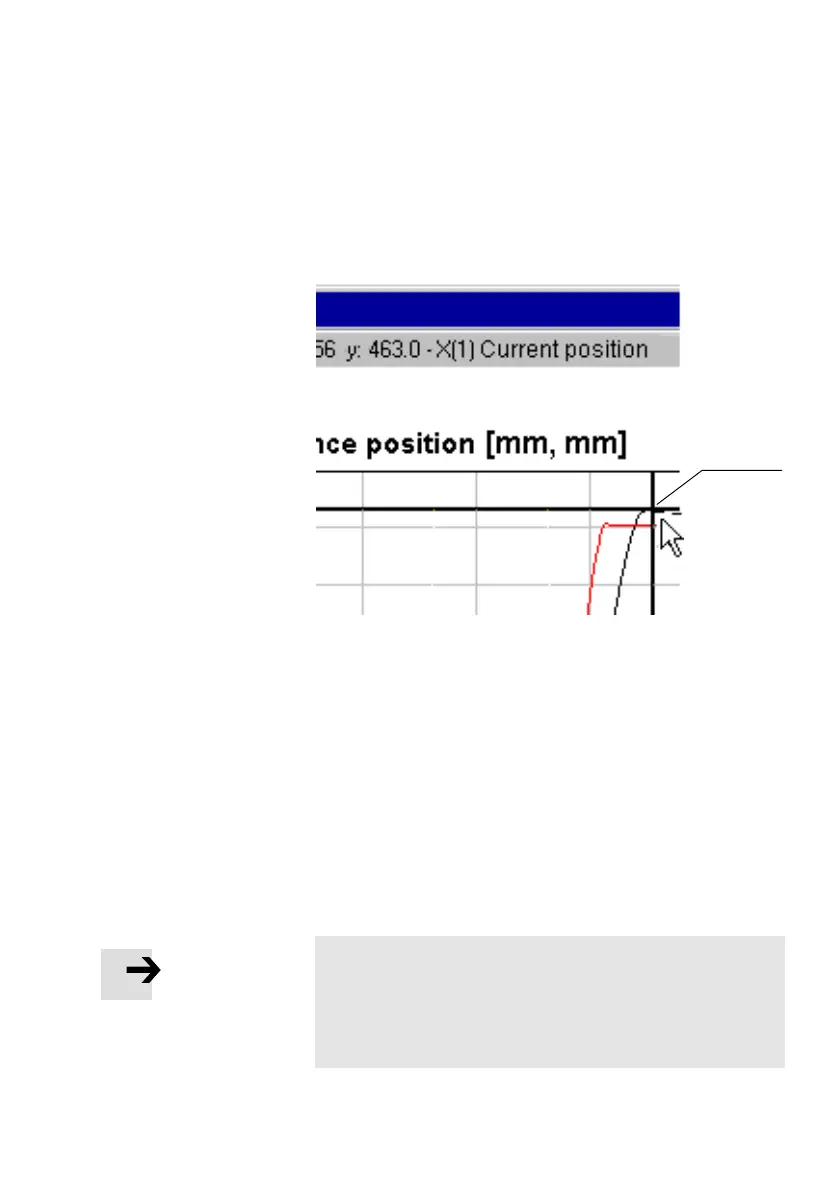
The co−ordinate display relates only to the curve named in the
co−ordinate display.
1 Data cursor
1
Fig.6/26: Data cursor
The data cursor appears as cross−hairs in the graph. It is al
ways on the curve measurement value closest to the mouse
pointer.
Select [Data cursor on next curve] from the [Graphic] menu to
set the data cursor to the next curve.
Reference cursor If you use a data cursor, you can set
a reference cursor to
measure differential values. When you do this the difference
between the reference cursor and the data cursor is deter
mined in the co−ordinate display.
Please note
The position of the data cursor moves when you move the
mouse pointer. You must therefore set the reference cursor
either by selecting the menu command from the keyboard
or by using the context menu (right−hand mouse button).









 To Next Page