A. Working with the keyboard
A−6
Festo P.BE−SPC200−WIN−PISA−CD−EN en 0901d
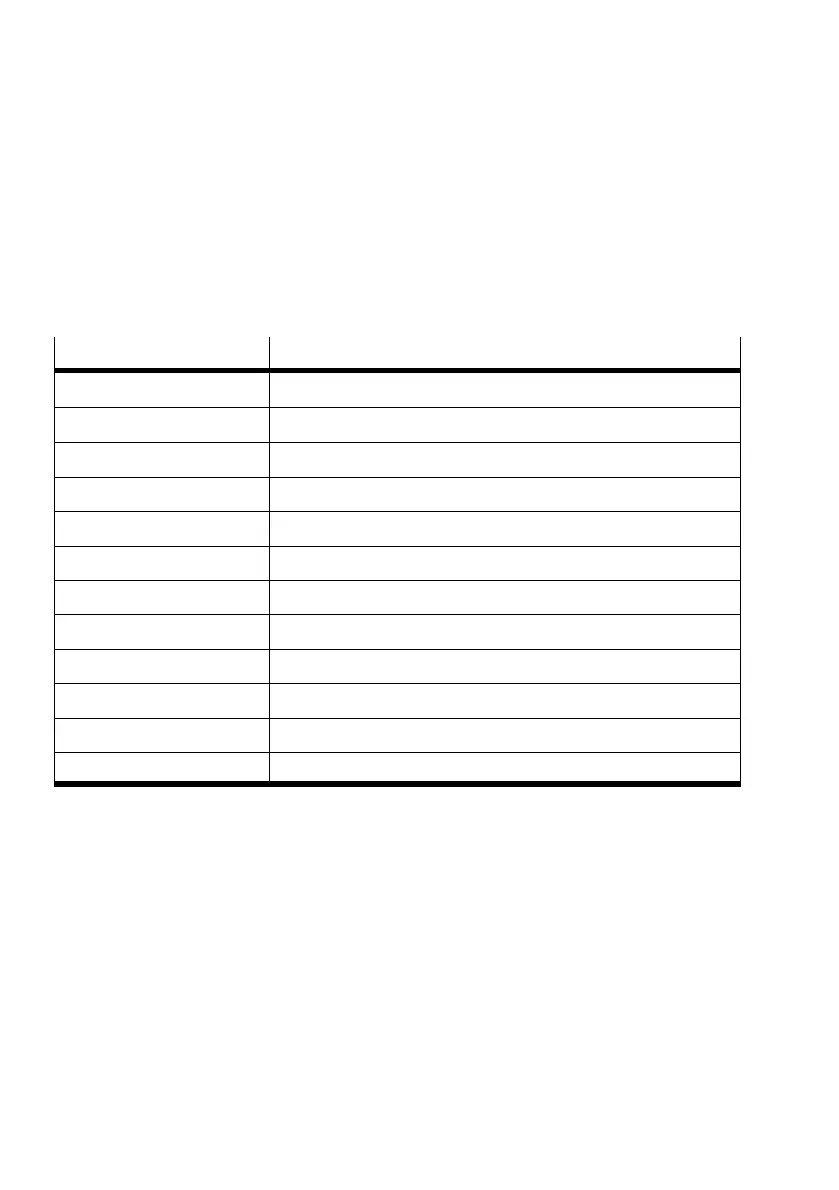
Cursor keys
Use the following keys to move the cursor or the insertion
point within a text field and within other positions in which
you can enter text.
Press key(s) ...
... to do the following
UP key Moves one line up.
DOWN key Moves one line down.
RIGHT ARROW key One character to the right.
LEFT ARROW key One character to the left.
CTRL+RIGHT ARROW One word to the right.
CTRL+LEFT ARROW One word to the left.
HOME key To the start of the line.
END key To the end of the line.
PAGE UP key Moves one screen up.
PAGE DOWN key Moves one screen down.
CTRL+HOME To the start of the text.
CTRL+END To the end of the text.
Make sure that NUM LOCK is switched off if you wish to use
the numeric keypad for orientation functions.





 To Next Page