2. Project management
2−20
Festo P.BE−SPC200−WIN−PISA−CD−EN en 0901d
Inserting hardware components
To insert a hardware component in the current project:
1. Select the icon, to which the new hardware component is
assigned, in the project window. This is the hardware icon
for adding the SPC200 and the icon of an axis interface
string or a stepping motor interface for adding an axis
or
an I/O module.
2. Select the command [Insertobject] from the [Edit] menu.
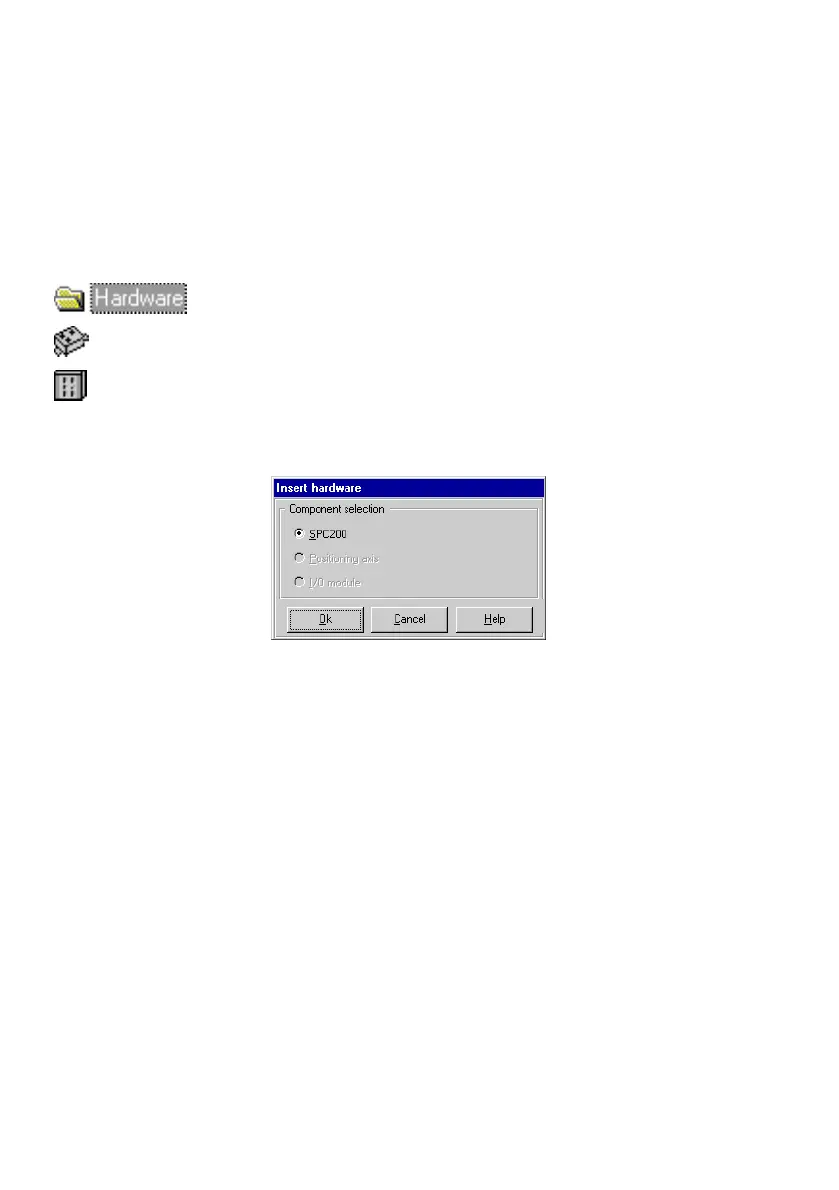
The Insert hardware" dialogue window will open.
Fig.2/9: Inserting hardware
3. Select the component to be inserted under the op−tion
Component selection" in the Insert hardware" dialogue
window. Confirm the entry with OK".
Depending on the option selected, a dialogue window will
open, in which the component selected is defined in more
detail.
Further information on the steps required for inser ting
hardware components can
be found in the section
Commissioning".











 To Next Page