Franke Kaffeemaschinen AG
TD-100356.doc 5 / 32
Icons
Exit
Start Entry diagnosis (refer to section “Entry diagnosis”)
Start Exit diagnosis (refer to section “Exit diagnosis”)
Open Individual test (refer to section “Individual test”)
Internet download (refer to section “Internet download”)
Settings
Important: Before you begin working with Franke Service Animation, check the settings
below.
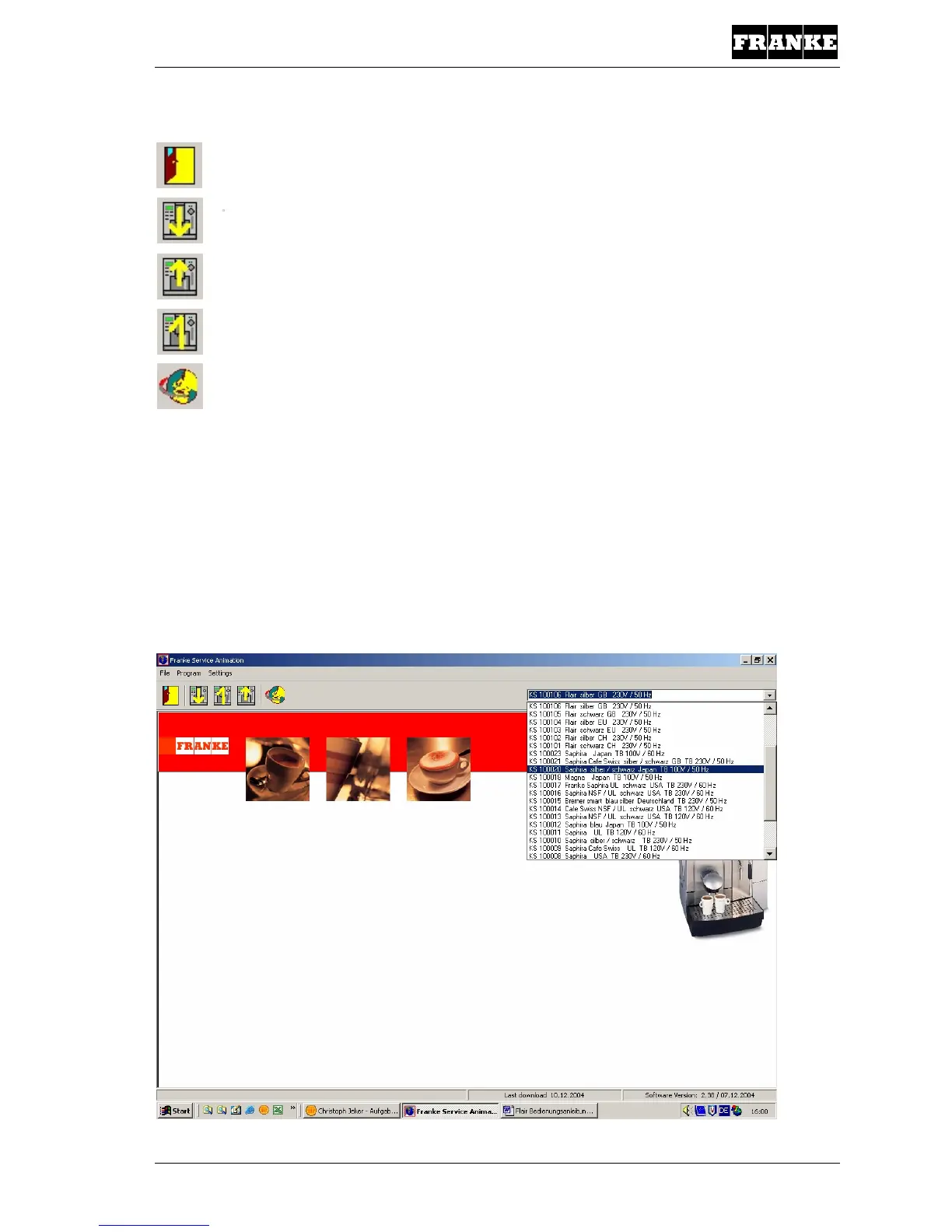
Device type
Prior to performing a diagnosis on a Saphira or Flair, you must first select the relevant coffee
machine design.
Warning: When selecting a Saphira machine, the Top 2000 software is started up
automatically.



 To Next Page
 Loading...







