4.3. Housing
4.3.1. Removing the rear panel
Removing the rear panel
Access to:
- Power print board
- Grinders
- Voltage components
- Right-hand and left-hand side panels
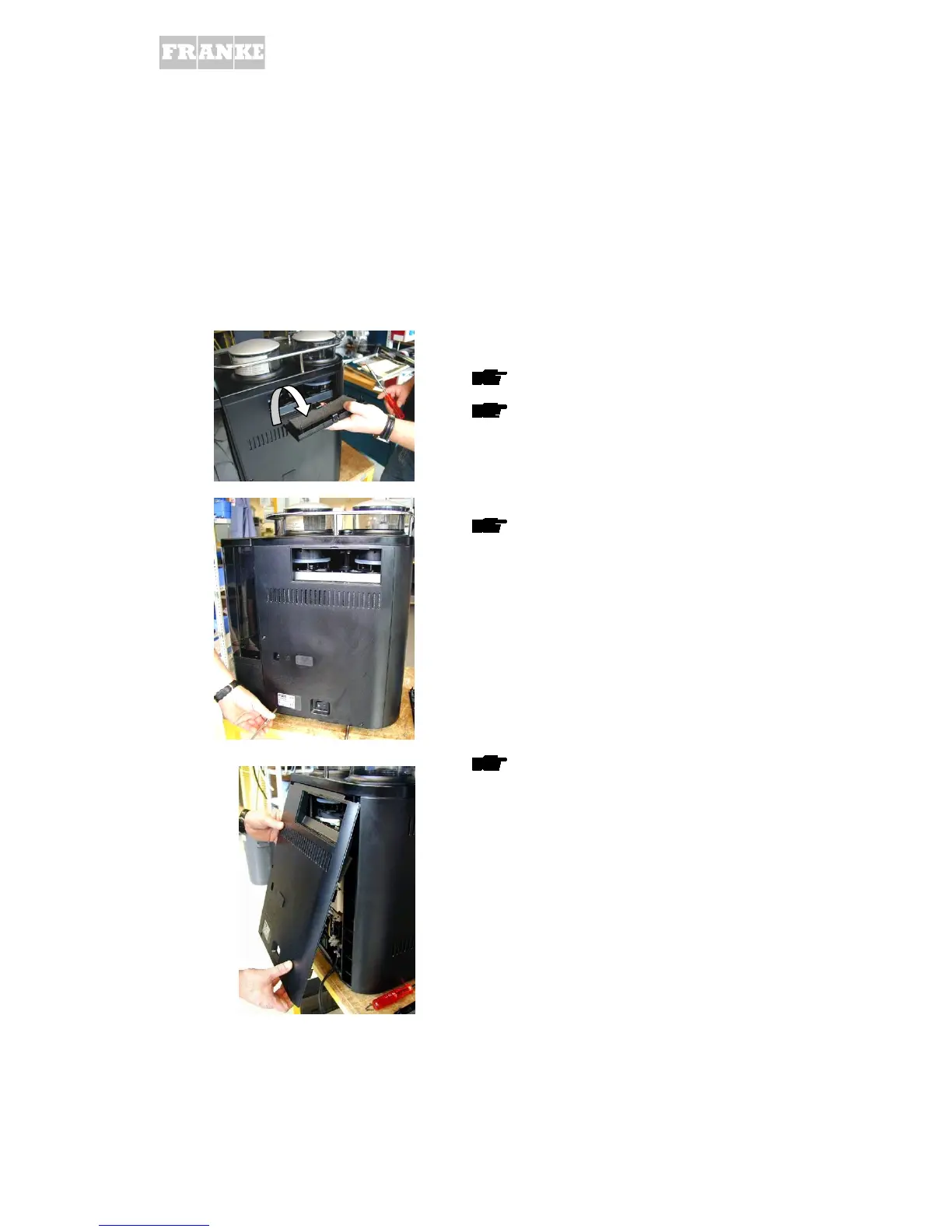
Release cover locks on rear panel
Fold outwards from rear panel and remove
Unscrew the 3 screws from rear panel
Lift rear panel from underneath and remove
outwards as illustrated



 To Next Page
 Loading...







