Franke Kaffeemaschinen AG
TD-100356.doc 8 / 32
Settings
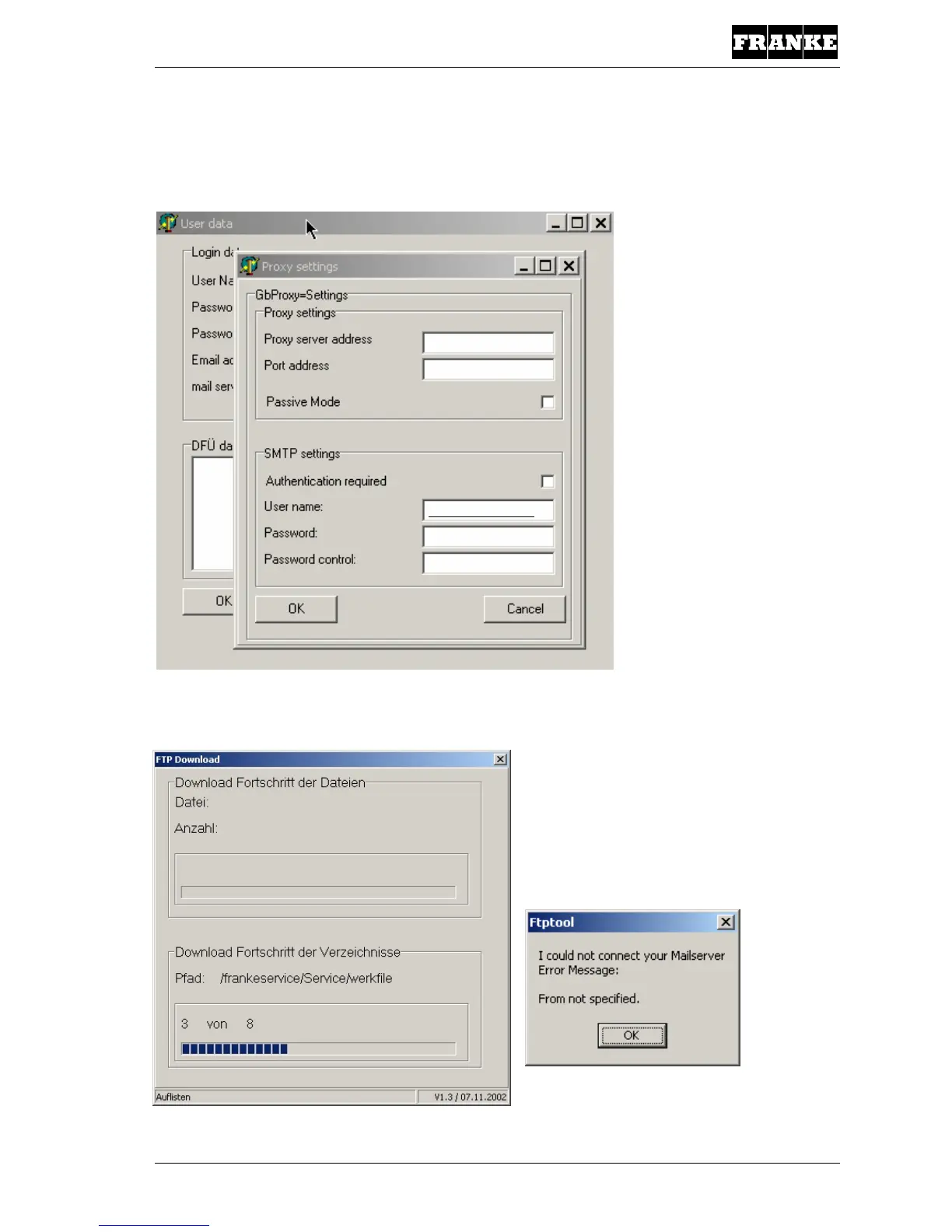
If you use a proxy server, the addresses have to be entered under “Proxy settings”.
If the mail server requires special settings, you can enter these under “SMTP settings”.
As soon as OK is clicked in the User Information window, the FTP download starts and the
following window appears. The window then closes when the download is finished.
If the settings are incorrect, the FTP tool
outputs an error message. The download
must then be attempted again once the
settings have been corrected!
00.000.0.00
0000
muster@franke.com
********
********



 To Next Page
 Loading...







