Franke Kaffeemaschinen AG
TD-100356.doc 13 / 32
Confirm each entry of the date with the ENTER key or enter a new date with the numerical
keypad.
Enter time
H:14 M:25 S:24
Confirm each entry of the time with the ENTER key or enter a new time with the numerical
keypad.
Terminal ready
Data loaded
Insert the “Factory parameters” chip card into the chip card reader of Terminal 3000.
Open the “Individual test” menu.
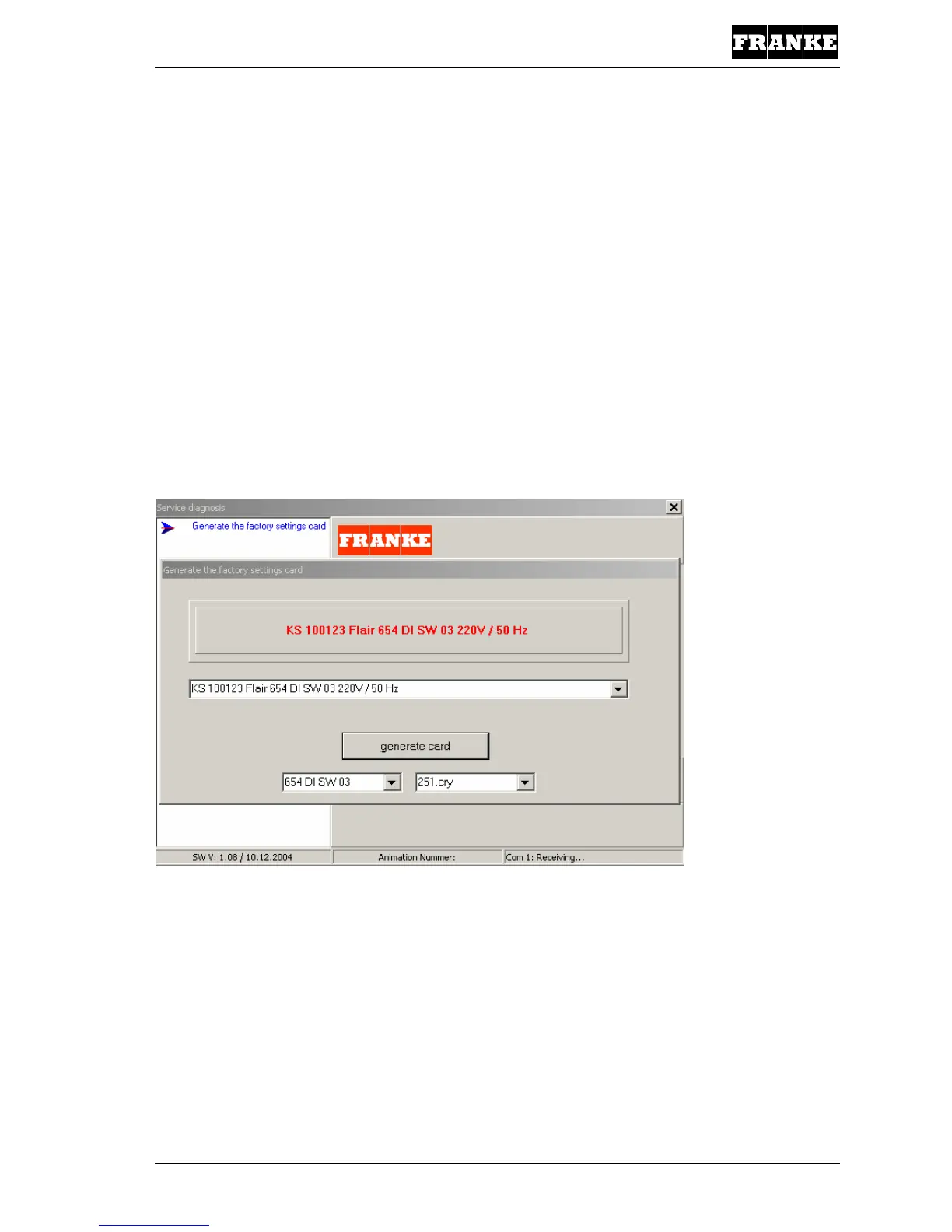
Initiate the command “Generate factory settings card (factory parameters)”.
Select the required Flair design. Generate the two parameter cards for the selected machine.
- 654 MA
- 654 DI
Warning: The machine may be listed more than once under the same KS article number.
Once for each software version! SW 0x
Examples:
- KS100116 Flair NSF 654 DI SW 03 230 V / 60 Hz
- KS100116 Flair NSF 654 MA SW 04 230 V / 60 Hz
The same KS 1001xx machine type may be listed more than once!
The difference is MA and DI and the SWxx.
Example: KS 100101 Flair 654 MA SW 04 230 V / 50 Hz



 To Next Page
 Loading...







