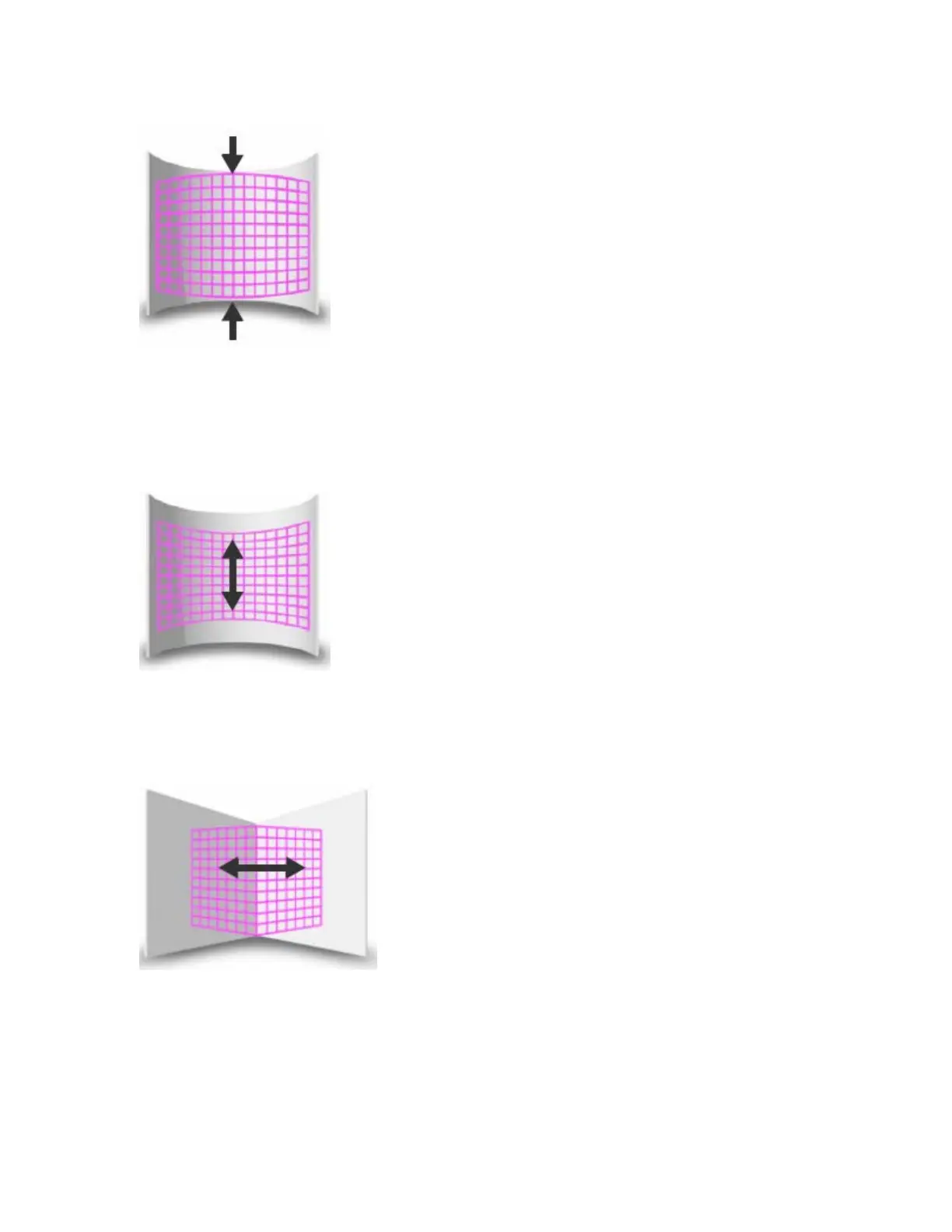
Modifier 2:
In situations where you are projecting from any angle other than perpendicular to the surface, you can use the Modifier 2
to adjust the vertical center of the image. A DMX value of 128 (50%) = no adjustment. Adjusting toward 0 moves the
vertical center down to the bottom of the image. Values above the midrange move the vertical center up to the top of the
image at a DMX value of 255 (100%).
Modifier 3:
You can use the Modifier 3 parameter to adjust the image’s horizontal center when you’re projecting onto a sphere, an
inside or an outside corner. A DMX value of 128 (50%) = no adjustment. Adjusting toward 0 moves the horizontal center
toward the left edge of the image. Values above the midrange move the horizontal center right toward the edge of the
image at a DMX value of 255 (100%). Modifier 3 is not used when projecting onto an inside or outside cylinder.



 To Next Page