Control Card Replacement
There are two control cards in the electronics housing on the MMS100. To replace these you will need to open the
electronics box, unplug all connections to the boards and un-mount the cards.
Opening the Electronics housing
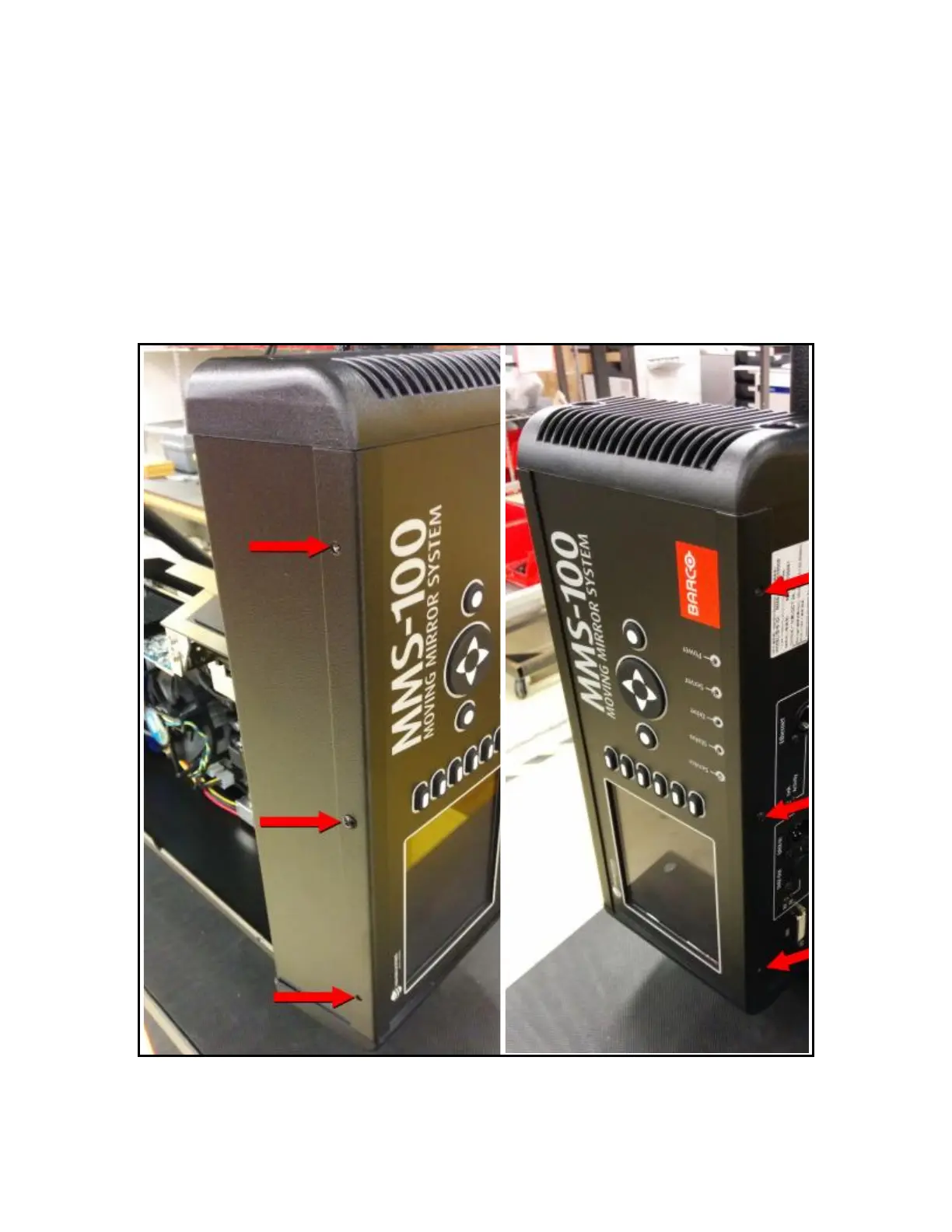
• You will need to open the electronics housing, this is the box that contains the LCD screen and the menu buttons
• Remove the 6 screws that secure the lid to the chassis. (See Photo)
• Be careful removing the last screw, as the lid can fall. You can use a zip tie as a temporary hinge.
Box Card Removal.
• The Box Card is mounted to the lid and interfaces with the menu control buttons.



 To Next Page