• Be sure to note all wiring connections. Check that the wiring harness is labeled, and matches the labels on the
board before removing.
• Remove the connectors carefully.
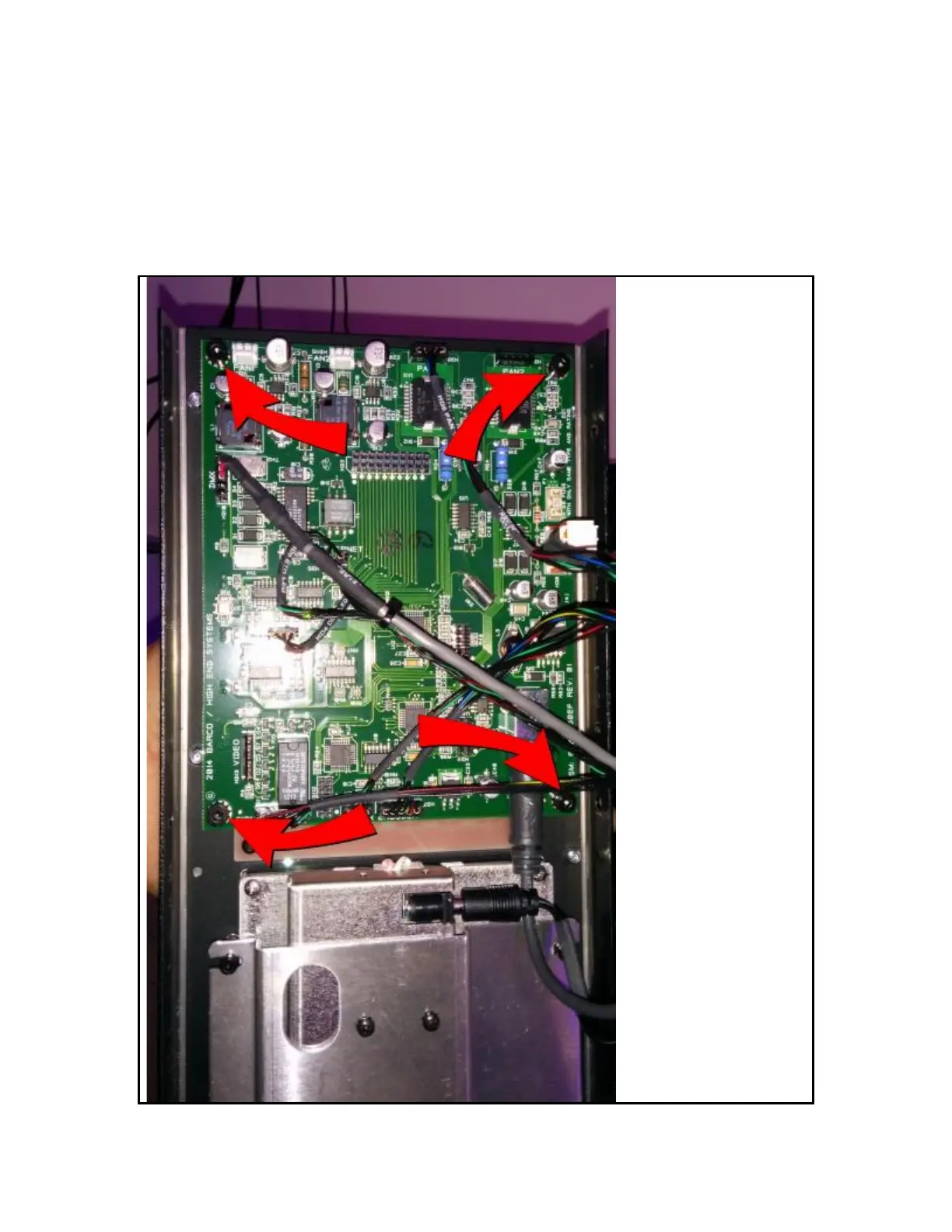
• Remove the 4 mounting screws that mount the Box Card to the lid. (See Photo)
• Remove the box card by pulling perpendicular to the face, there is a connection that bridges behind the card, be
careful not to bend these pins.
• The Box card should be free. Set aside, touching only the edges, and placing on a static free surface.



 To Next Page