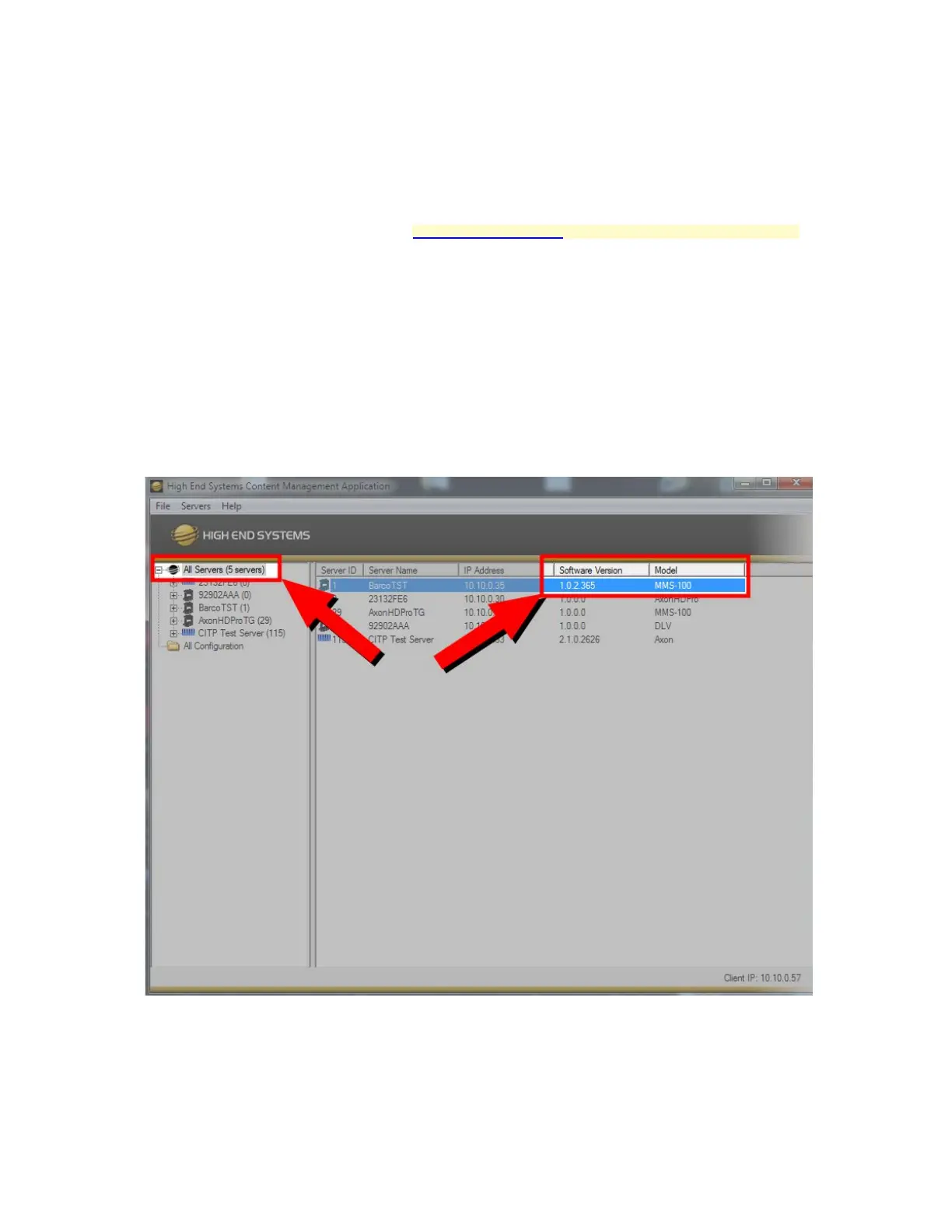
Verifying MMS-100 Software Version
It is recommended to verify the Software version that the MMS100 is using before show programming. Please ensure that
the latest version is being used by checking the High End Systems Website.
Software Verification can be completed by checking the version via the CMA or by Verifying via the On-Board Menu
Screen
CMA Verification
• Launch the CMA from a computer connected to the same network as the MMS100
• Allow the connected servers to auto-populate the All Servers List
• Choose All Servers at the top of the assets tree
• Verify the Version by looking at the Software Version Column.
Menu System Verification
• Attach an output to the MMS-100, power the fixture and allow to boot
• Navigate to the Info Tab in the menu System



 To Next Page