2–46 Hardware description
Hitachi Unified Storage Hardware Service Guide
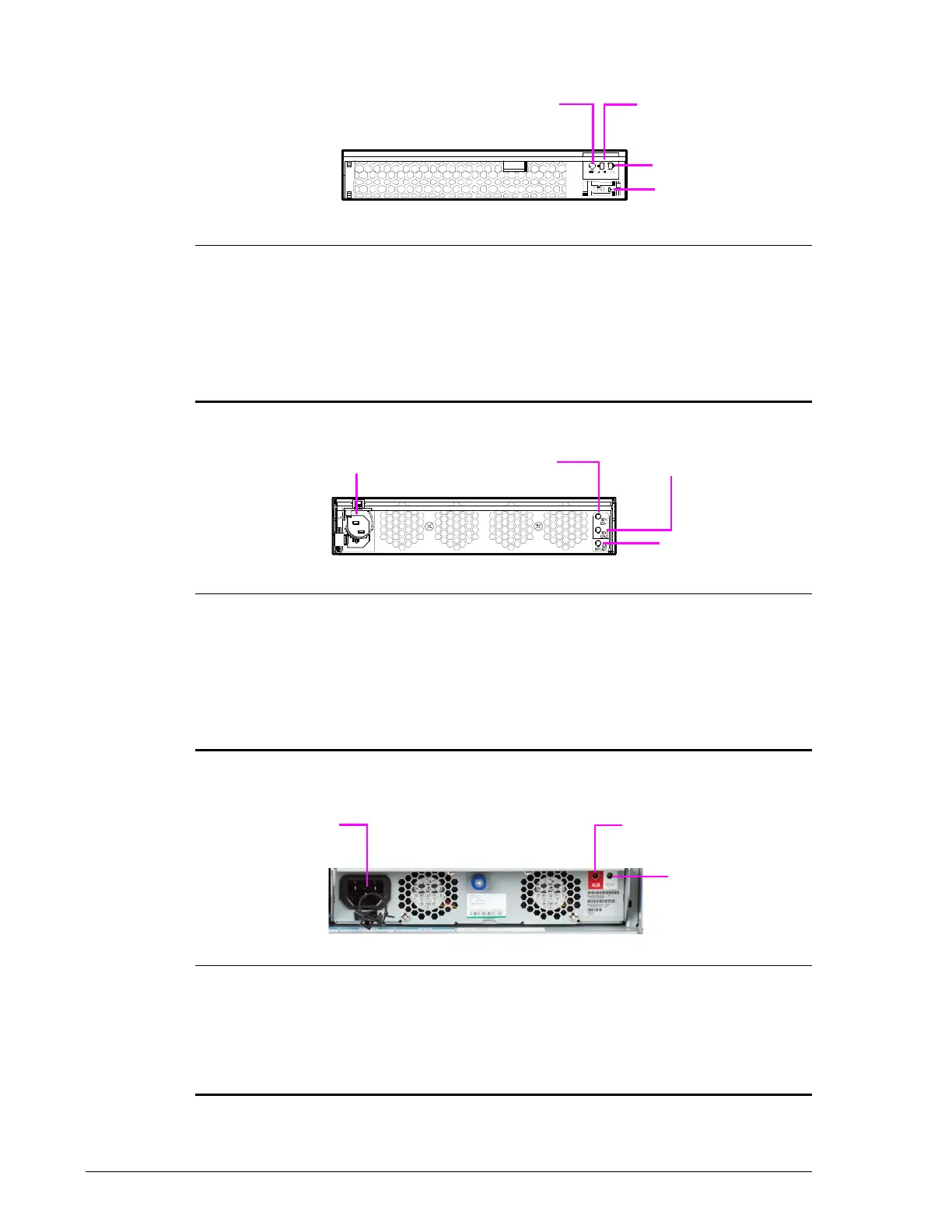
Power Unit for DBSD/DBLD Drive Box
•
Power Unit for DBF Drive Box
•
•
Power Unit for CBL Controller Box
•
Legend Component Color Description

RDY Green ON = Power Unit is operating normally.
?
DC IN Green ON = DC input is normal.
?
ALM Red ON = Power Unit is experiencing trouble. Visit
the HDS Support Portal at portal.hds.com.
?
Power Socket Connects to DC power source.
Legend Component Color Description

Power Socket Connects to AC power source.
?
RDY 1 Green ON = Power Unit is operating normally.
?
RDY 2 Green ON = Power Unit is operating normally.
?
ALM Red ON = Power Unit is experiencing trouble. Visit
the HDS Support Portal at portal.hds.com.
Legend Component Color Description

Power Socket Connects to AC power source.
?
ALM Red ON = Power Unit is experiencing trouble. Visit
the HDS Support Portal at portal.hds.com.
?
RDY Green ON = Power Unit is operating normally.



 To Next Page