2–58 Hardware description
Hitachi Unified Storage Hardware Service Guide
Power Unit for DBW Drive Box
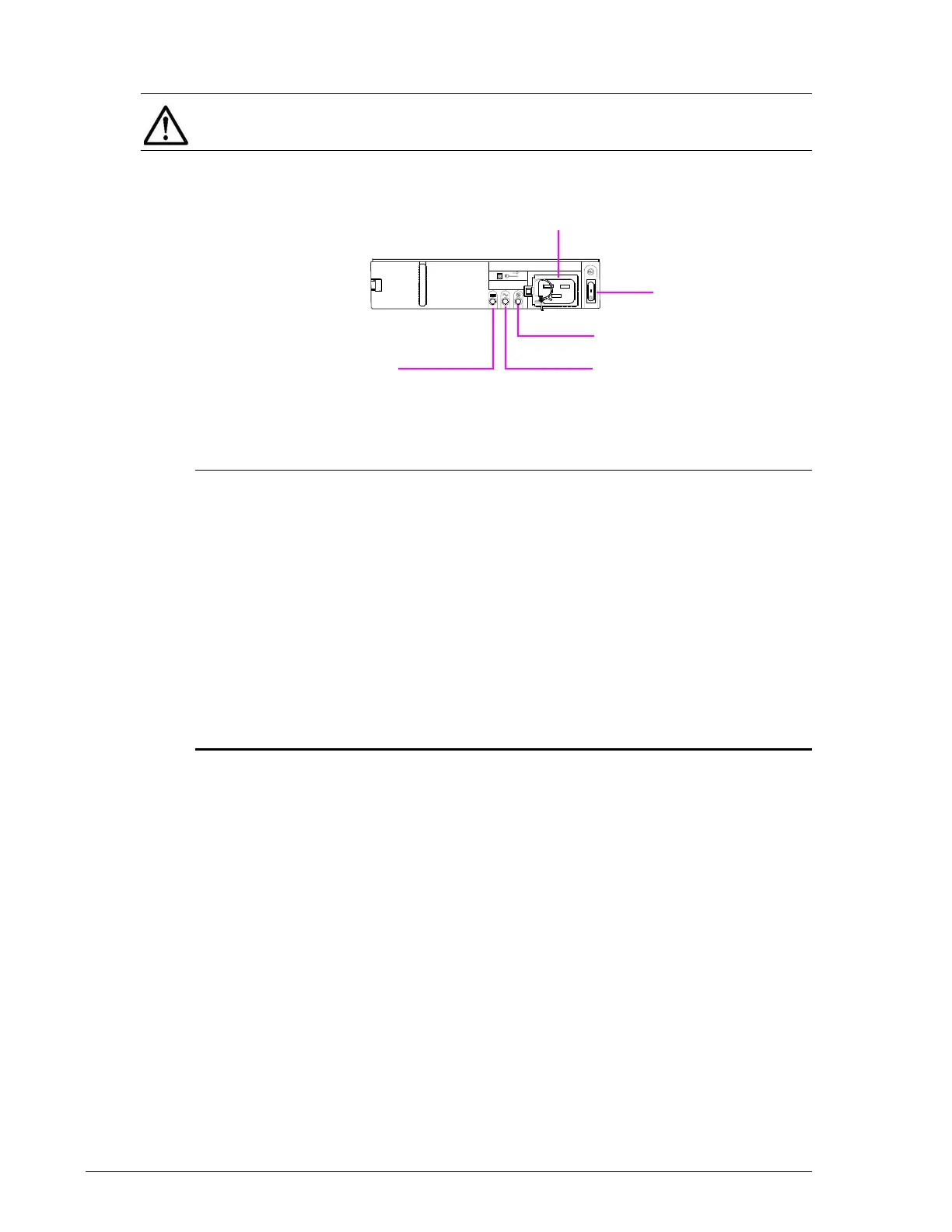
Figure 2-40: DBW Drive Box Power Unit
•
NOTE: A CBXSS/CBXSL Controller Box cannot connect to a DBX/DBW
Drive Box
Legend Component Color Description

Receptacle — Accommodates power cable.
?
Switch — Press ON to apply power to the DBW Drive
Box.
Press OFF to remove power from the DBW
Drive Box.
?
Power OK
LED
Green ON = Power Unit is operating normally.
?
AC ALM LED Orange ON = Power Unit is experiencing trouble. Visit
the HDS Support Portal at portal.hds.com.
?
PSU ALM LED Orange ON = Power Supply Unit is experiencing
trouble. Visit the HDS Support Portal at
portal.hds.com.



 To Next Page