Hardware description 2–37
Hitachi Unified Storage Hardware Service Guide
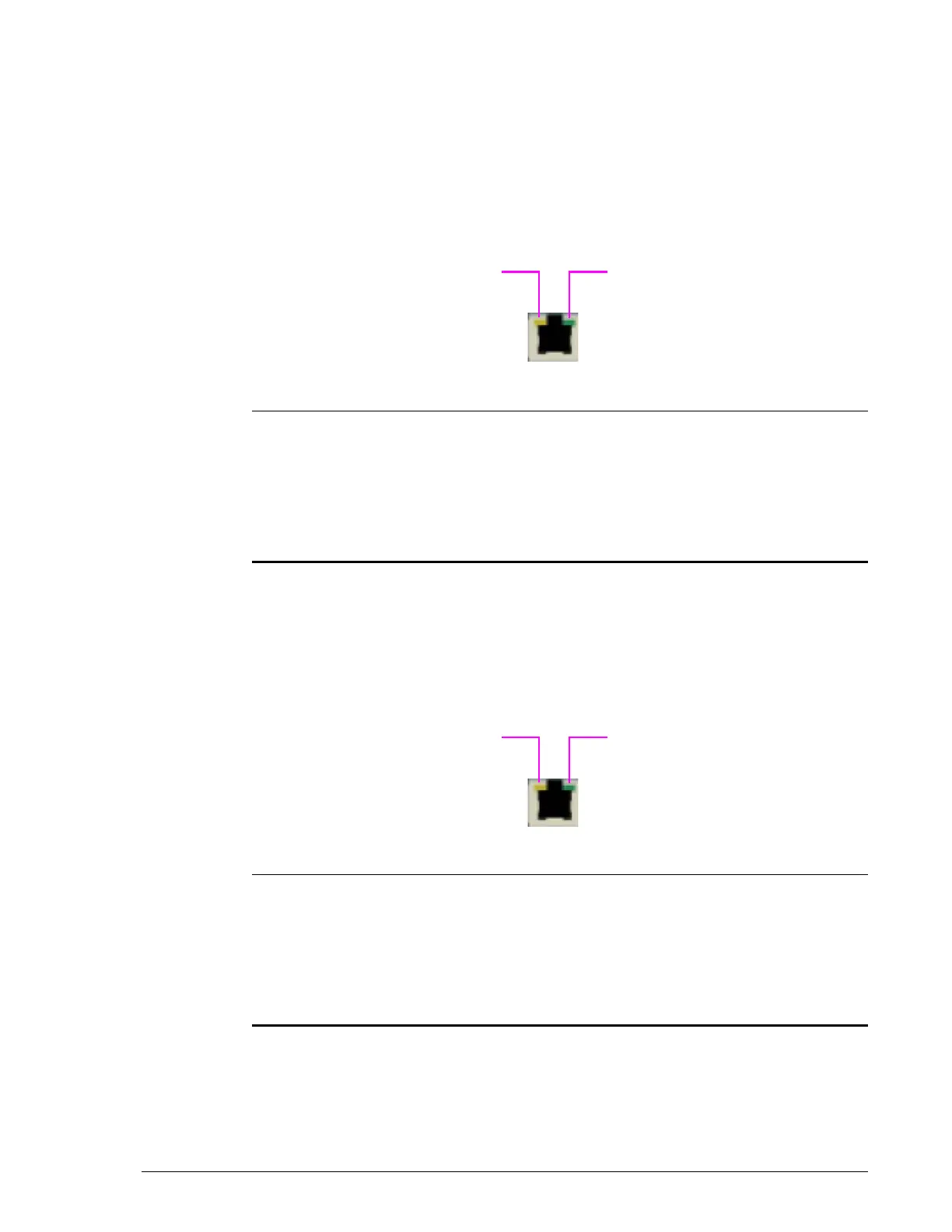
Management port
All Controller Boxes provide a 10/100/1000 Ethernet RJ-45 management
port labeled LAN 1. This port is a 10BaseT/100Base-TX/1000BaseT
Ethernet management interface that connects to a PC that will be used to
configure the storage system using Storage Navigator Modular 2 software.
The management port supports Auto-MDI/MDIX technology, allowing you to
use either standard (straight-through) or crossover Ethernet cable. It also
has port activity and link status LEDs that indicate its status.
•
Maintenance port
All Controller Boxes provide a 10/100/1000 Ethernet RJ-45 maintenance
port labeled LAN 0. This port is used to perform troubleshooting
procedures. Do not use this port unless instructed by Hitachi Customer
Service. This port has port activity and link status LEDs that indicate its
status.
•
Legend LED Color Description

ACT LED Yellow OFF = data is not being sent or received on the
port.
ON = data is being sent or received on the port.
?
LINK LED Green OFF = link status error. Visit the HDS Support
Portal at portal.hds.com.
ON = link status is normal.
Legend LED Color Description

ACT LED Yellow OFF = data is not being sent or received on the
port.
ON = data is being sent or received on the port.
?
LINK LED Green OFF = link status error. Visit the HDS Support
Portal at portal.hds.com.
ON = link status is normal.



 To Next Page