Replacing drives 4–11
Hitachi Unified Storage Hardware Service Guide
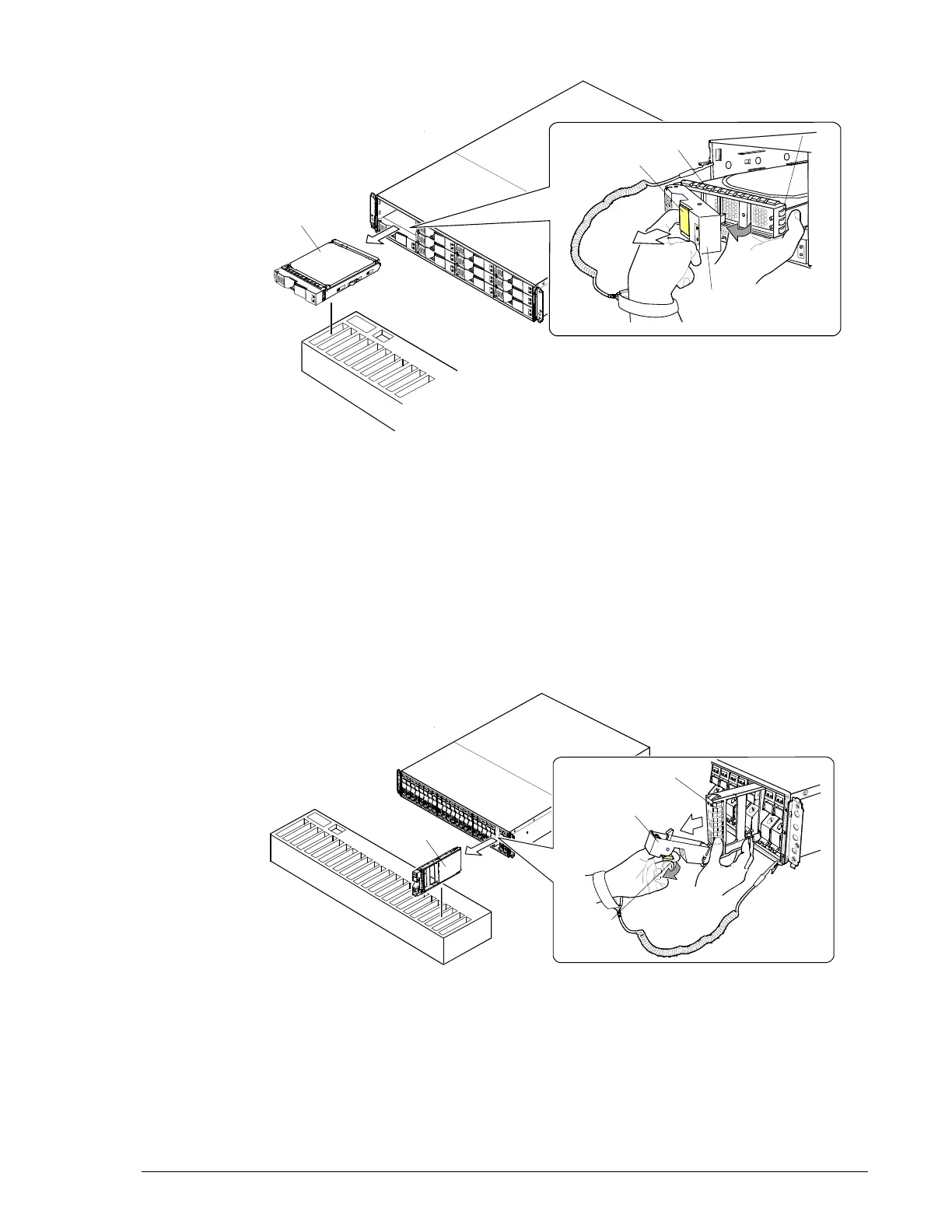
Figure 4-8: Removing a drive on a CBXSL/CBSL/DBL
Removing and replacing drives on CBXSS/CBSS Controller Boxes
and DBS Drive Box
To remove a drive from a CBXSS or CBSS Controller Box or DBS Drive Box:
1. With the storage system powered on and running, pull the stopper on
the drive handle toward you to release the lock (
c).
2. Open the handle toward you, and then pull out and remove the drive.
Handle the drive carefully to avoid exposing it to shock or rough
movement.
Figure 4-9: Removing a drive from a CBXSS/CBSS/DBS
To replace a drive on a CBXSS or CBSS Controller Box or DBS Drive Box:
c



 To Next Page