15–36 Upgrading a Hitachi Unified Storage 130 system
Hitachi Unified Storage Hardware Service Guide
Configuring the storage system serial number
Use the following procedure to change the serial number for the Hitachi
Unified Storage 150.
1. In your browser, type http://<IP address of the array>/equip_set
and click Go. In this URL, <IP address of the array> is the IP address
of the storage system prior to the upgrade.
2. If prompted for a user name and password, enter the appropriate user
name and password.
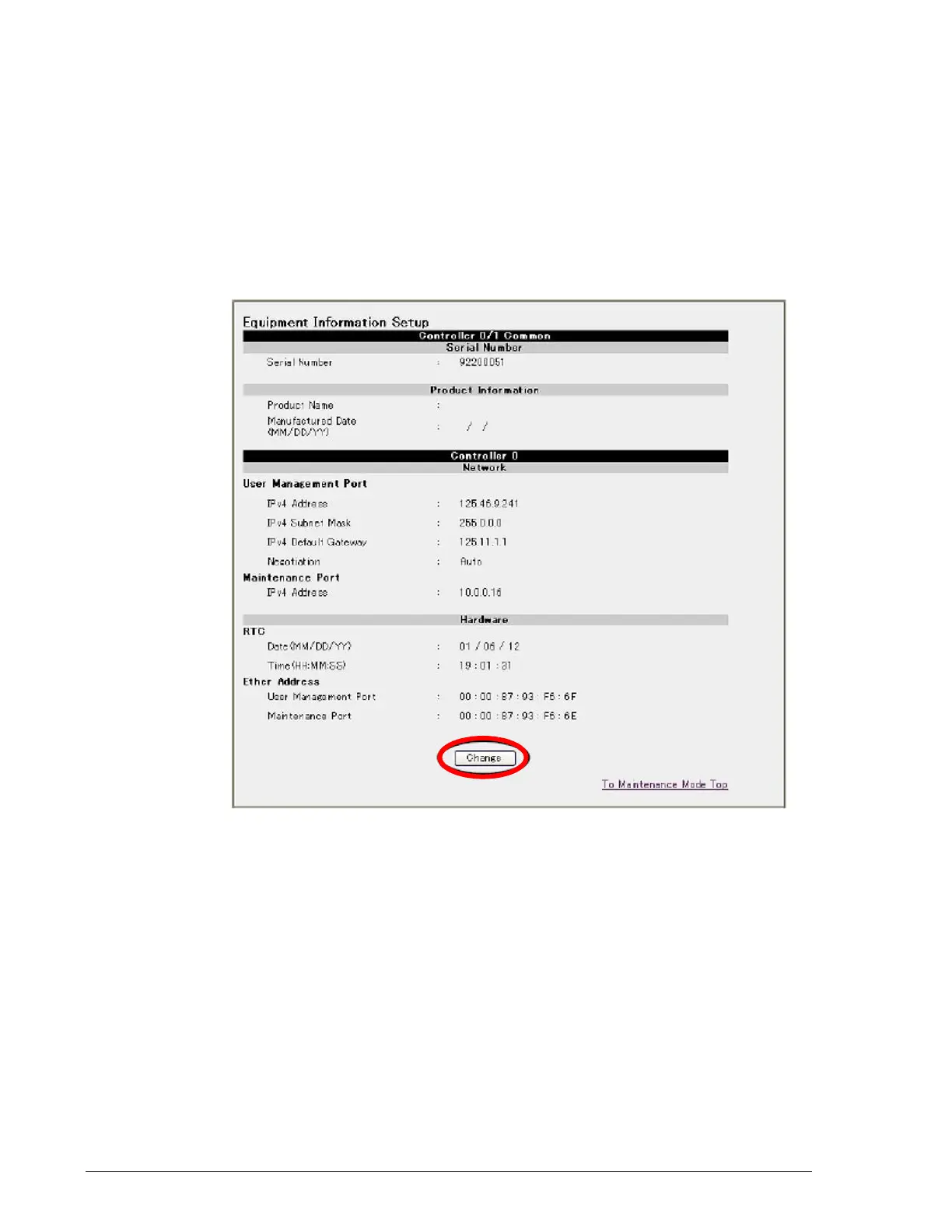
3. At the Equipment Information Setup page, click Change.
4. At the next page, enter the 8-digit serial number in the Serial Number
field and click Set. The serial number is the 8-digit number on the
storage system (see Figure 15-21 on page 15-37).



 To Next Page