Upgrading a Hitachi Unified Storage 130 system 15–37
Hitachi Unified Storage Hardware Service Guide
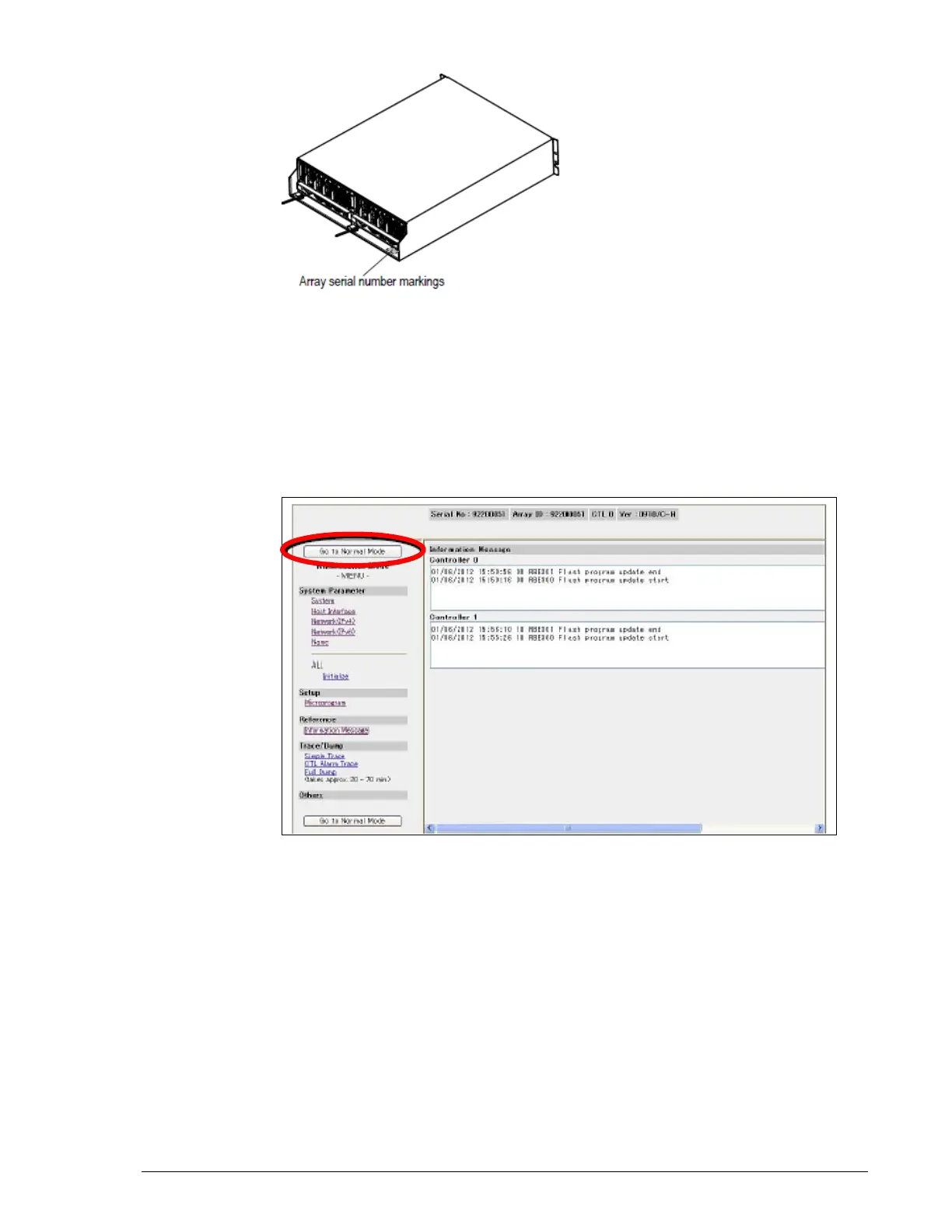
Figure 15-21: Serial number location on the CBL
5. At the next screen, confirm that the serial number you entered is
correct, and then click Save.
6. At the next two messages, click OK.
7. At the Equipment Information Setup page, click To Maintenance Mode
Top.
8. In the left pane, click Go to Normal Mode to switch from Maintenance
Mode to Normal Mode.
9. The next page shows that rebooting is executing. When the reboot
completes, a page prompts you to set system parameters. Click OK. The
storage system will become ready in approximately4-to-15 minutes.
10.Confirm that the green READY LED on the front of the Controller Box is
ON. This LED may blink quickly for up to 60 minutes. The orange
WARNING LED may blink quickly for up to 85 minutes) before the
READY LED goes ON. If the READY LED does not go on, the installation
may have failed and you will have to repeat the procedure.
11.Exit the WEB.



 To Next Page