8–14 Adding and replacing controllers
Hitachi Unified Storage Hardware Service Guide
Confirming and setting the date and time
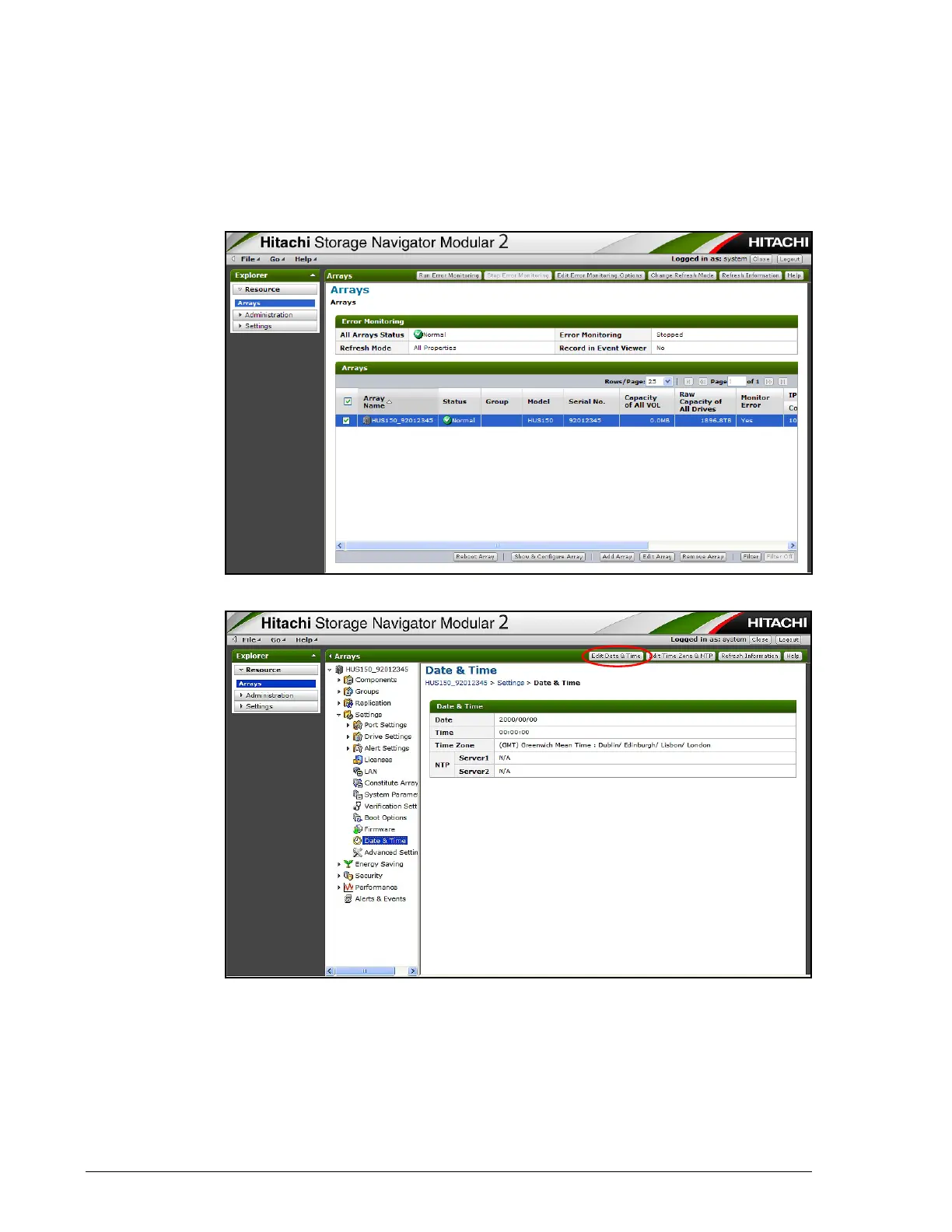
After you replace a controller, use Storage Navigator Modular 2 to check the
system date and time. If the date and time are not accurate, set them
appropriately.
1. Start and log in to Storage Navigator Modular 2.
2. In the center pane, click the storage system array.
3. In the center pane, click Settings > Date & Time.
4. At the top right side of the Date & Time window, click the Edit Date &
Time button.
5. When the Edit Date and Time window appears, click Set Manually,
enter the current date and time in their respective fields, and then click
the OK button.



 To Next Page