Hardware description 2–57
Hitachi Unified Storage Hardware Service Guide
DBW Drive Box
This section describe the following components on the DBW Drive Box:
•I/O Module ENC — see I/O Module (ENC) for DBW Drive Box, below
•Power Unit — Power Unit for DBW Drive Box on page 2-58
•Drive Box drawer — DBW Drive Box drawer on page 2-59
•Fan Module — DBW Fan Module on page 2-60
I/O Module (ENC) for DBW Drive Box
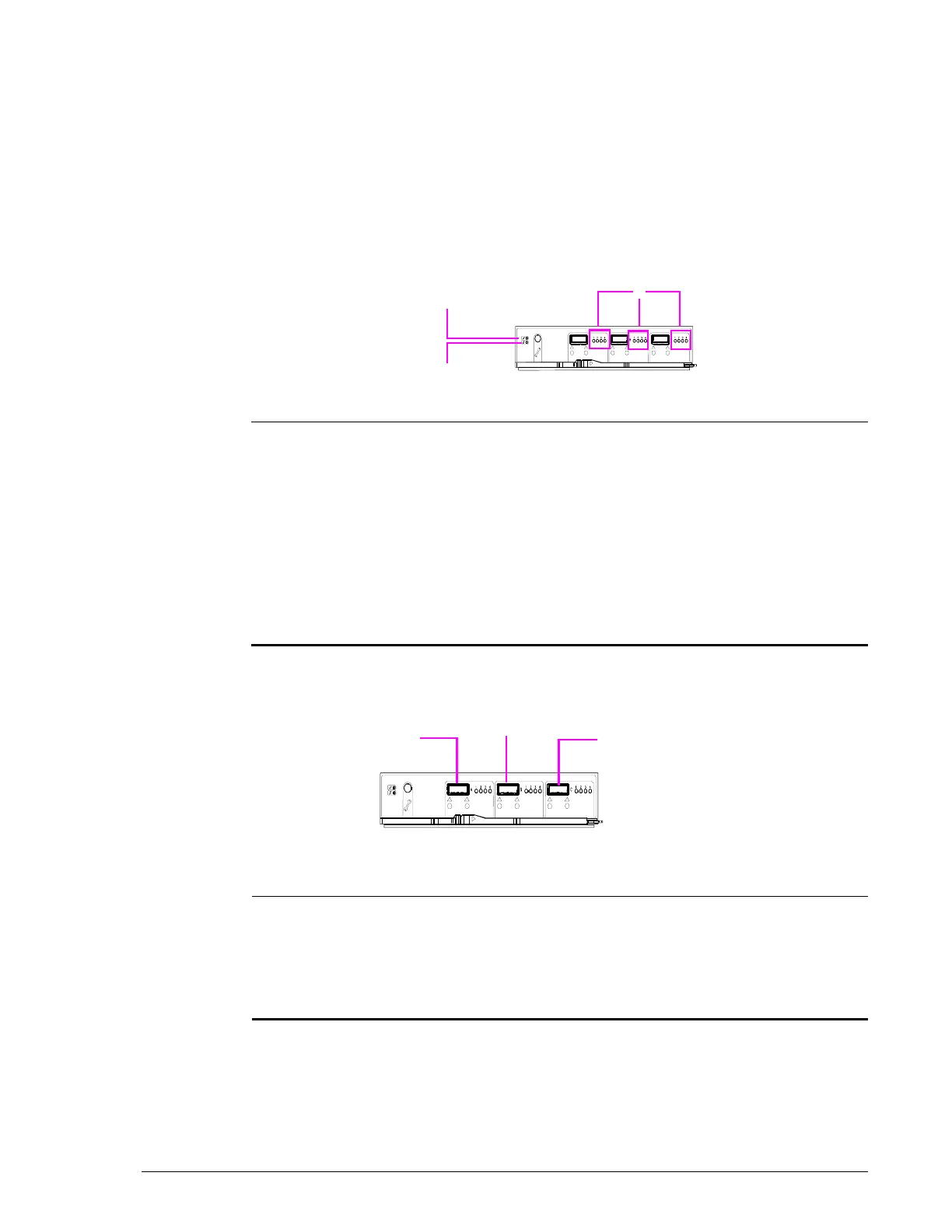
Figure 2-38: DBW I/O Module (ENC) LEDs
The DBW I/O Module has a Drive Box with the connectors shown and
described in Figure 2-39.
Figure 2-39: DBW Drive I/O Module connectors
Legend LED Color Description

External Port
Activity
Green ON = port is linked up.
Blinking = data is being transferred.
?
ALM Orange ON = failure with I/O Module (ENC), rendering
the module unusable. Visit the HDS Support
Portal at portal.hds.com.
Blinking = after an I/O Module (ENC) failure, logs
are collected from the failed I/O Module (ENC).
During the collection, this LED blinks. When log
collection completes, this LED goes ON.
?
RDY Green ON = I/O Module is operating normally.
Legend Connector Description

SAS Port A (IN) Connects to CBSS, CBSL, CBL, DBS, DBL,
DBF, DBX, or DBW.
?
SAS Port B (OUT) Connects to DBS, DBL, DBF, DBX, or DBW.
?
SAS Port C Not used.



 To Next Page