Replacing cache memory 9–7
Hitachi Unified Storage Hardware Service Guide
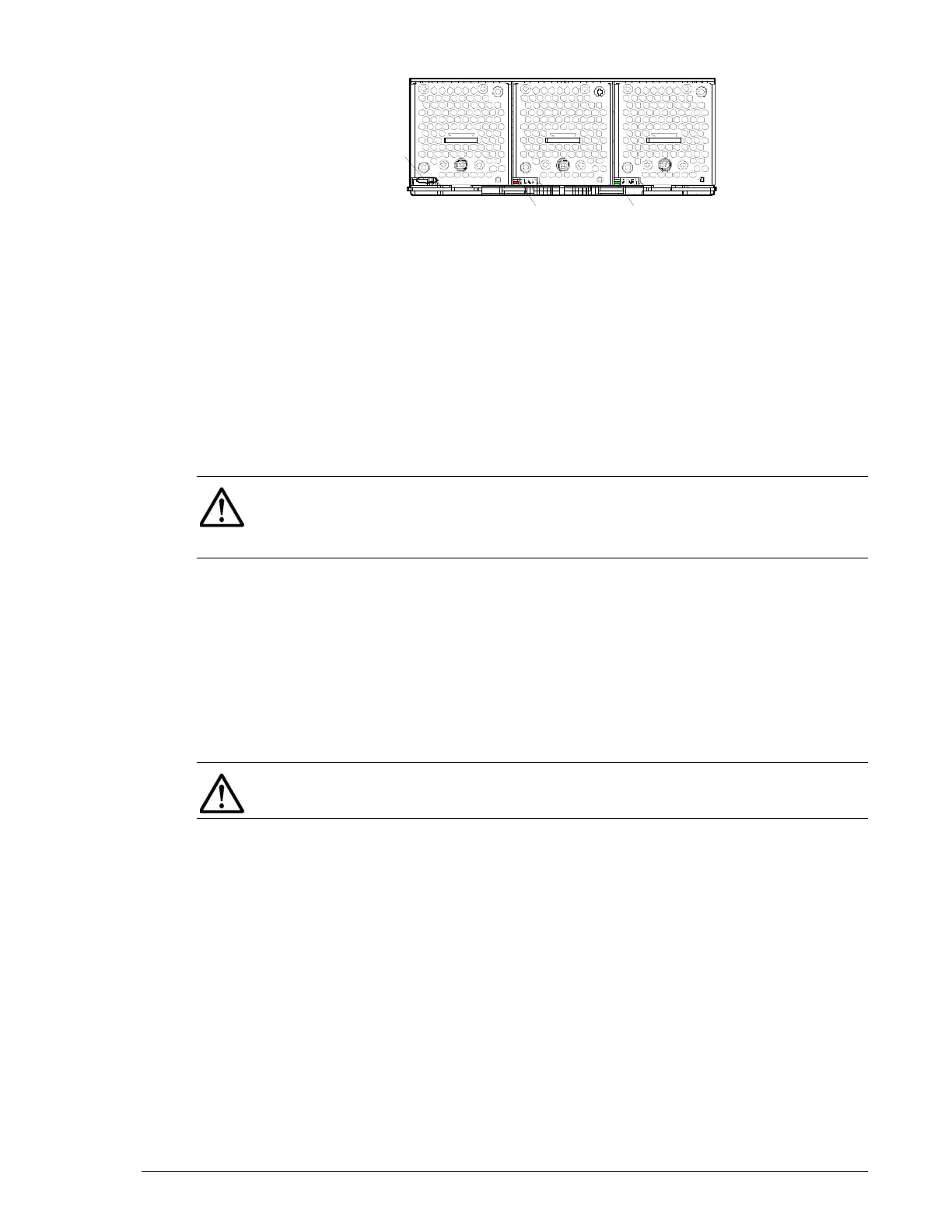
Figure 9-4: Controller LEDs on a CBL
9. Push the controller all the way into the slot, with its right and left levers
open completely.
10.Push the levers at the same time in the direction shown by the arrows
(
←⎯) at the same time. Otherwise, the controller might not recover and
you will have to repeat the replacement procedure.
11.Close the levers and slide the right and left blue latches to secure the
controller.
12.Replace all of the cables you removed from the controller.
13.Confirm the status of the following LEDs:
- Red ALM LED on the controller is OFF.
- Orange WARNING LED on the front bezel is OFF. If this LED blinks
slowly, visit the HDS Support Portal at portal.hds.com.
- Green READY LED on the front of the Controller Box is ON. This
LED might blink quickly for 40-to-60 minutes or 80-to-180 minutes
when the DBW is connected to the CBL before the LED goes ON
before the LED goes ON.
14.In Storage Navigator Modular 2, check the recovery after replacing
components (see Checking recovery after replacing components on
page 3-14).
red/oran
e
C
PWR LED (green)
NOTE: When connecting the Fibre Channel interface cables, insert the
cables until they are secure with the host connectors. If the cables are
inserted half into the host connectors, the controller continues to detect the
Fibre Channel failures and I/O processing may deteriorate.
NOTE: The controller usually recovers in about three minutes; however, if
I/O from the host is high, it may take up to 30 minutes to recover.


 To Next Page
 Loading...