Replacing the Drive I/O Module 12–3
Hitachi Unified Storage Hardware Service Guide
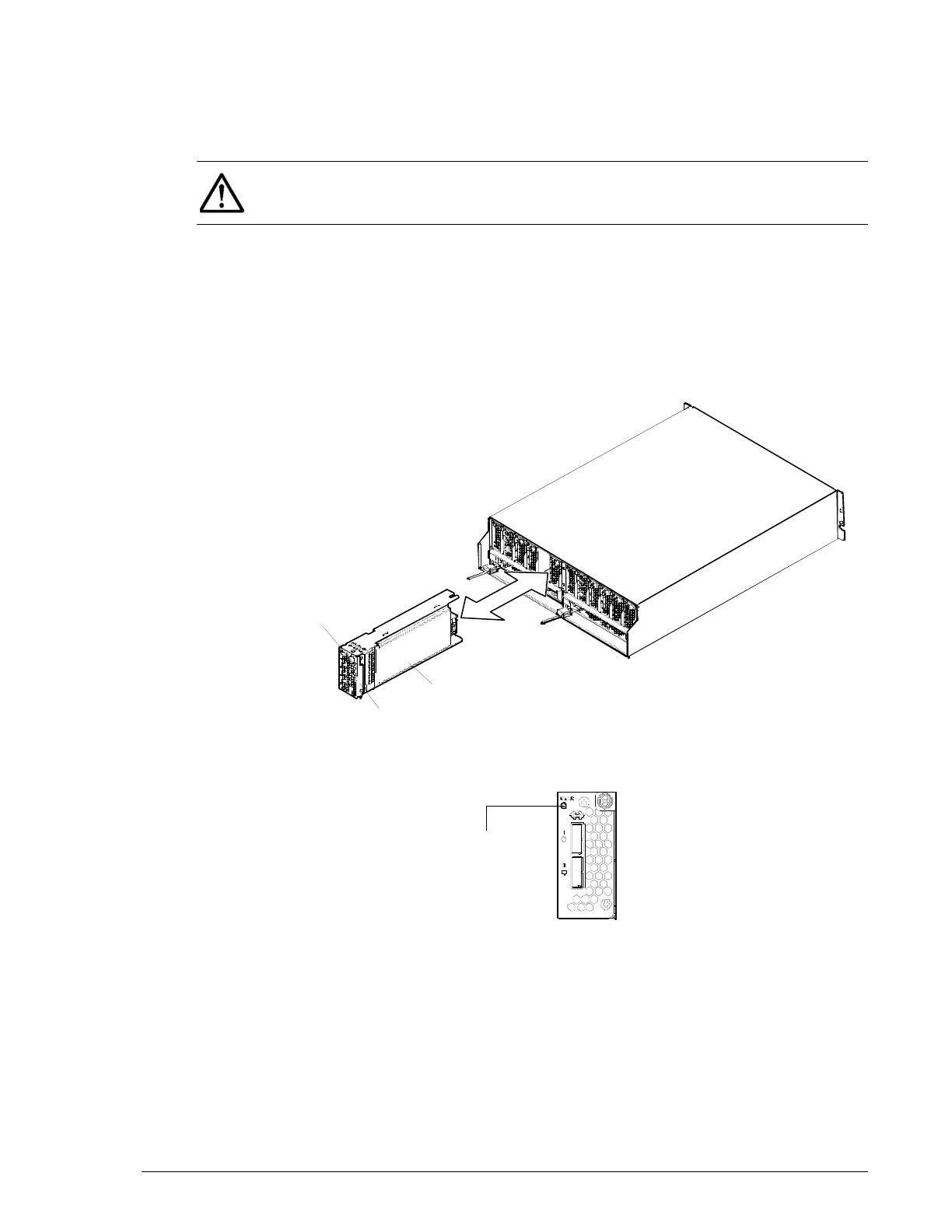
9. Be sure the red STATUS LED on the Drive I/O Module is OFF and the
orange WARNING LED on the front side of the Controller Box is OFF. If
the WARNING LED is blinking slowly, visit the HDS Support Portal at
portal.hds.com.
10.Connect the SAS (ENC) cables to the Drive I/O Module.
11.Check that the green READY LED on the front of the Controller Box is
ON. The READY LED may blink quickly for 40-to-60 minutes or 80-to-
180 minutes when the DBW is connected to the CBL before it goes ON.
12.In Hitachi Storage Navigator Modular 2, check the recovery after
replacing components (see Checking recovery after replacing
components on page 3-14).
Figure 12-1: Replacing the Drive I/O Module
Figure 12-2: Status LED on the Drive I/O Module
NOTE: The controller usually recovers in about three minutes; however, if
I/O from the host computer is high, it might take about 30 minutes to
recover.
FC Host I/O Module
Screw (blue)
STATUS LED



 To Next Page