Replacing the SAS (ENC) cable 14–3
Hitachi Unified Storage Hardware Service Guide
- Red ALARM LED and orange WARNING LED on the front of the
Controller Box are OFF. If the WARNING LED blinks slowly, visit
the HDS Support Portal at portal.hds.com.
6. In Hitachi Storage Navigator Modular 2, check the recovery after
replacing components (see Checking recovery after replacing
components on page 3-14).
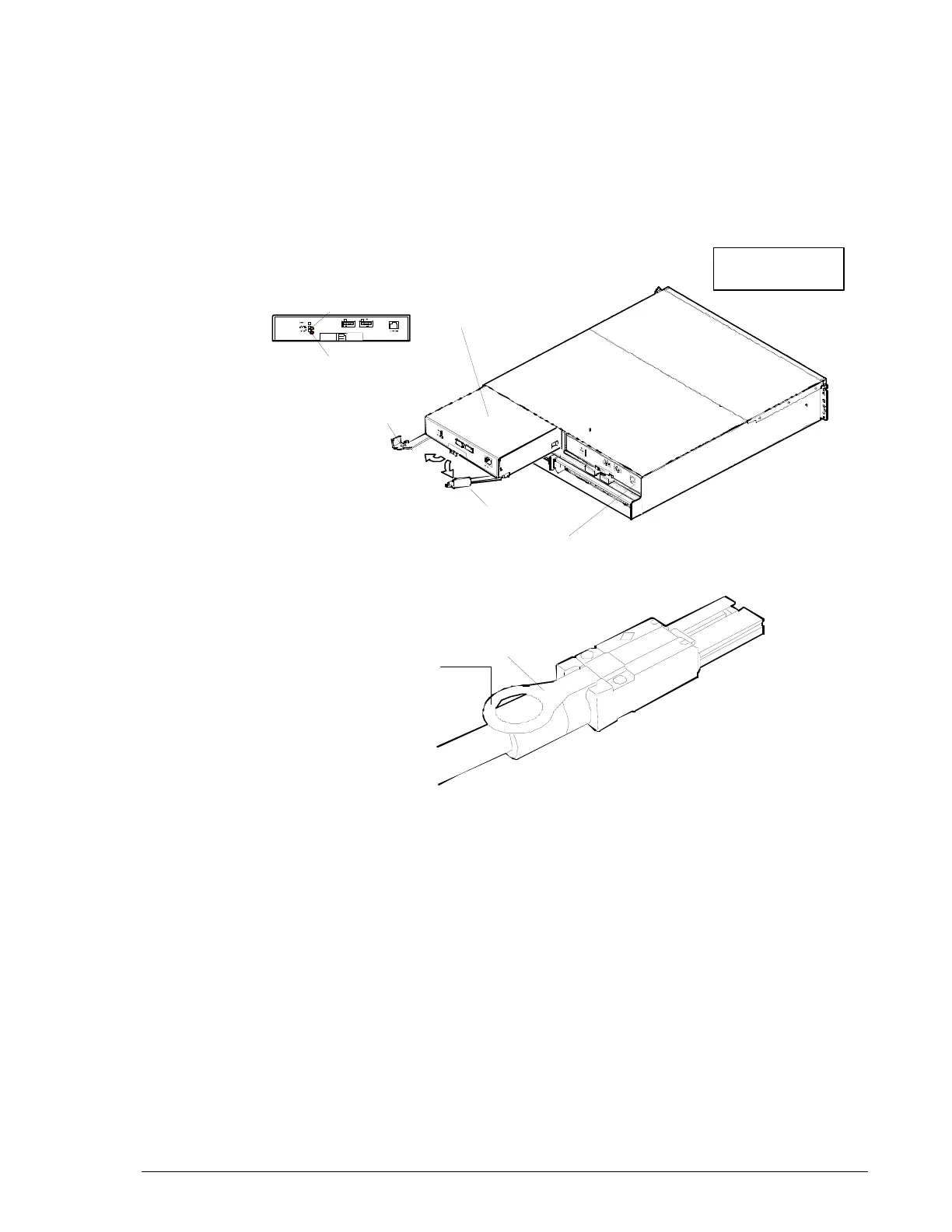
Figure 14-1: LEDs on the I/O Module
Figure 14-2: Locations of the tab on the SAS (ENC) cable
Lever
Lever
I/O Module
ENC
#1
ALM LED
LOC LED
I/O Module
ENC
#0



 To Next Page