Hardware description 2–39
Hitachi Unified Storage Hardware Service Guide
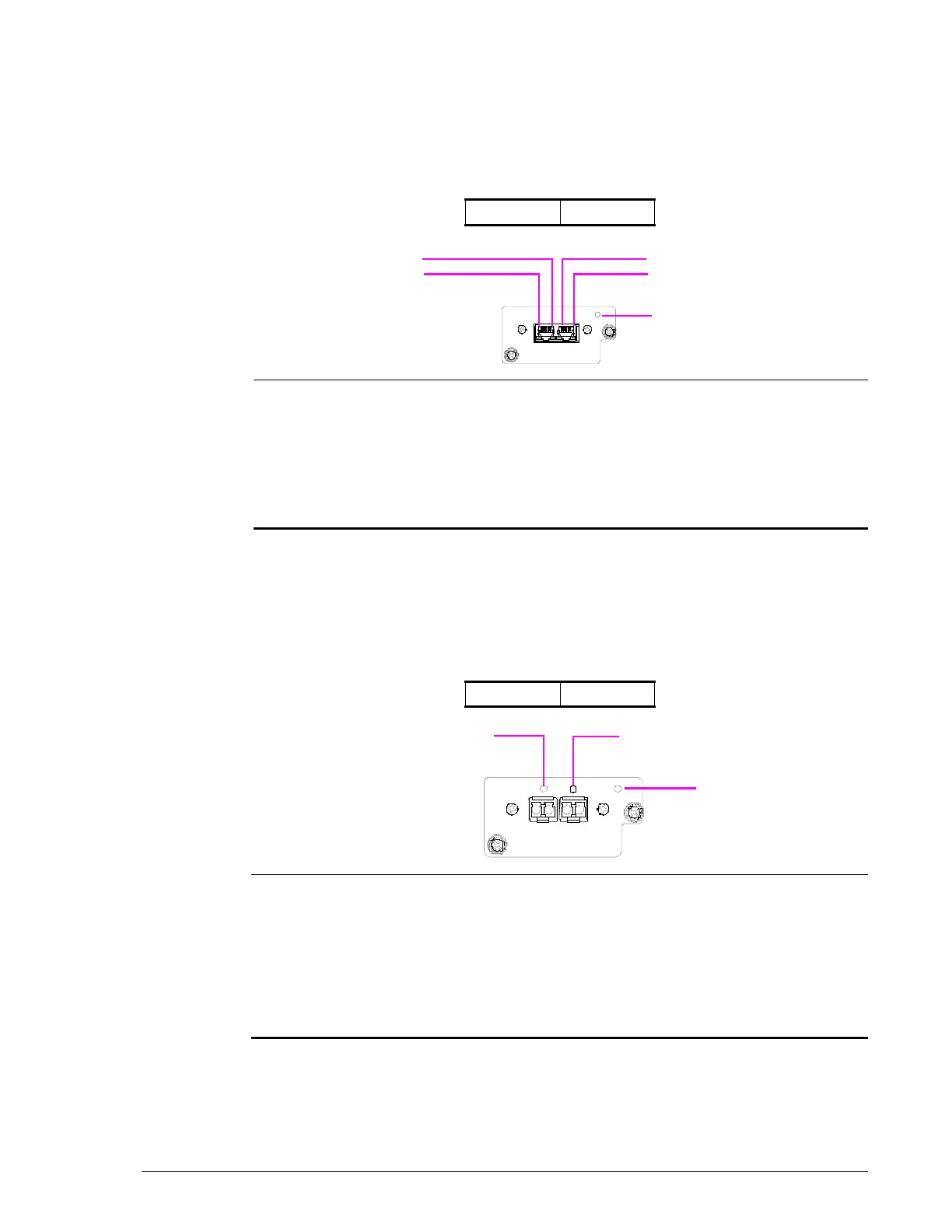
1 Gb iSCSI Host I/O Board
The 1 Gb iSCSI Host I/O Board for CBXSS and CBXSL Controller Boxes has
two 1 Gb RJ-45 iSCSI ports. The ports are designated in the following way
when the module is installed:
•
•
10 Gb iSCSI Host I/O Board
The 10 Gb iSCSI Host I/O Board for CBXSS and CBXSL Controller Boxes has
two 10 Gb optical iSCSI ports. The ports are designated in the following way
when the module is installed:
•
EF
Legend LED Color Description

ACT Yellow ON = data is being transferred.
?
LINK Green ON = link status is normal.
?
STATUS Green ON = Host I/O Board is in the power-on status.
Red ON = Host I/O Board is operating abnormally.
Visit the HDS Support Portal at portal.hds.com.
EF
Legend LED Color Description

HSTS Blue ON = normal link status.
Red ON = abnormal operating status. Visit the HDS
Support Portal at portal.hds.com.
?
STATUS Green ON = Host I/O Board is in the power-on status.
Red ON = Host I/O Board is operating abnormally.
Visit the HDS Support Portal at portal.hds.com.



 To Next Page