OPERATING INSTRUCTIONS FOR PROCESSING COBAS AMPLICOR™ CT/NG
SAMPLES
ThinPrep 2000 Processor Operator’s Manual
5B.7
LOADING THE FIXATIVE VIAL
Open the ThinPrep 2000 processor door by gripping the door tab and sliding it gently to the right
until it is completely open.
1. Fill a fixative vial with standard laboratory fixative alcohol until the fluid level is between the
“MIN” and “MAX” marks on the vial.
If the staining protocol requires alternative fixation methods, leave the fixative vial empty or fill
it with the appropriate fixative solution.
Change the contents of the fixative vial at least every 100 slides or daily, whichever occurs first.
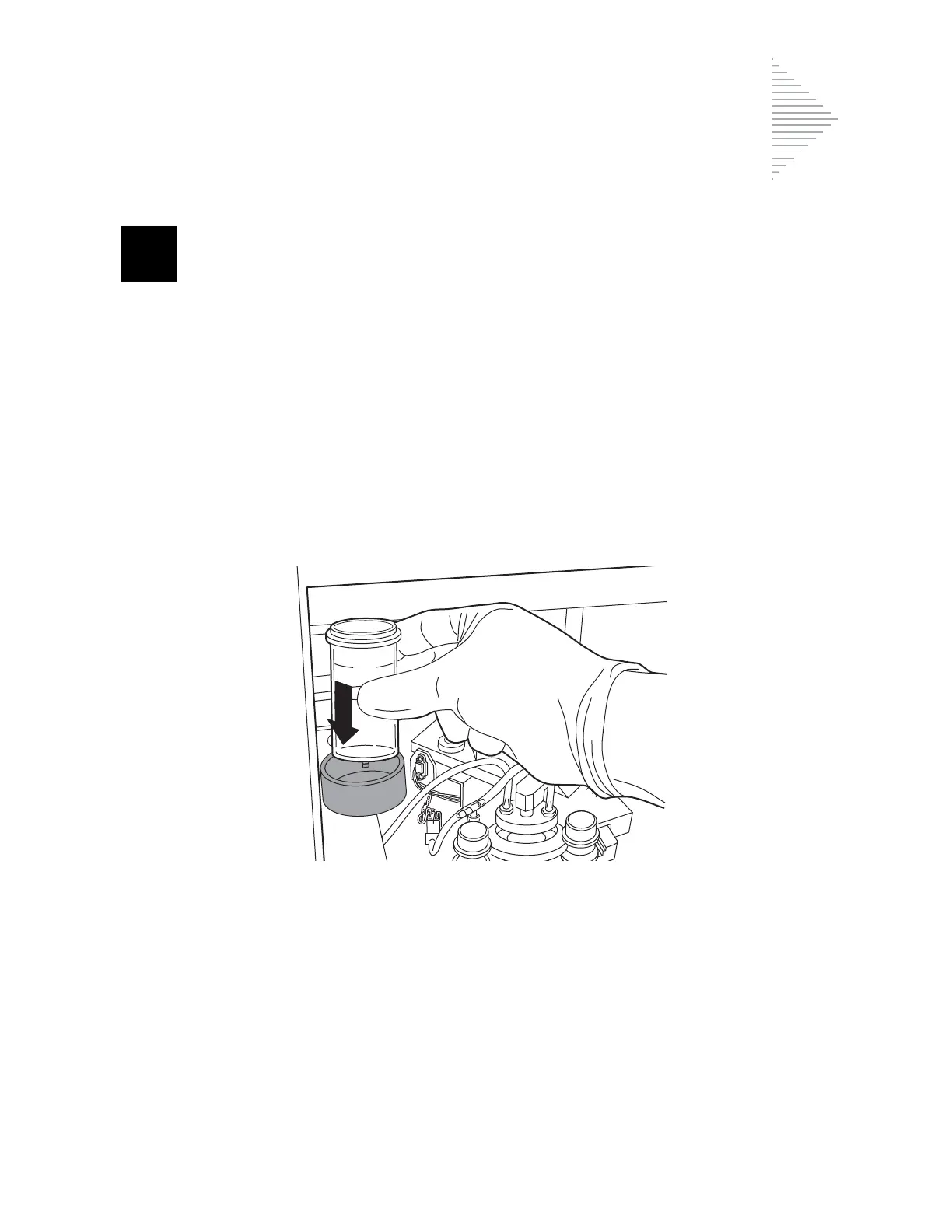
2. Place the fixative vial into the fixative bath holder until the bottom of the vial rests on the base of
the holder. Refer to Figure 5B-4. Ensure that the fixative vial is completely seated.
Figure 5B-4 Loading the Fixative Vial



 To Next Page