MAINTENANCE
ThinPrep 2000 Processor Operator’s Manual
7.13
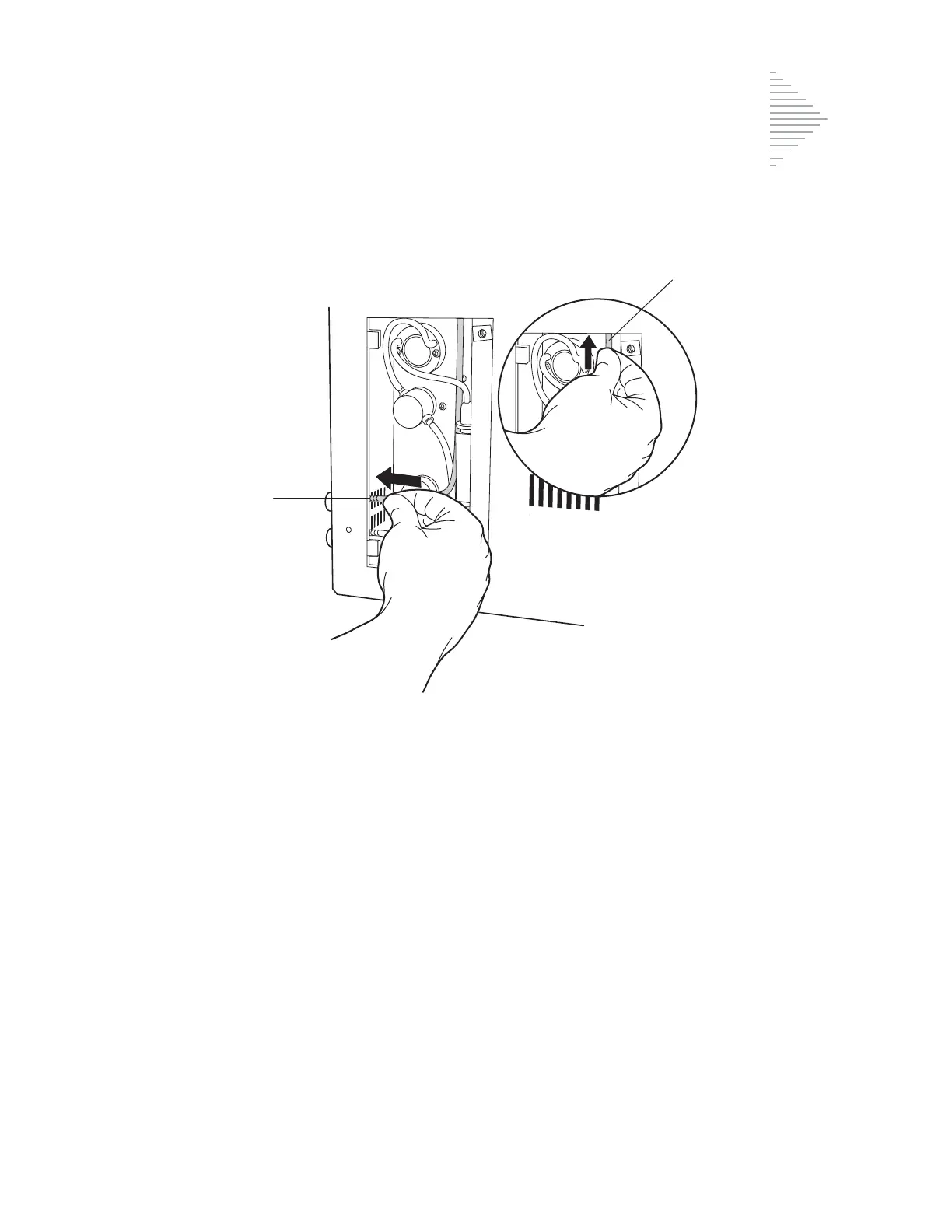
Figure 7-11
9. Replace access panel and secure with the two Phillips head screws. Turn the two screws clock-
wise to tighten.
10. Press the ENTER key. The waste system maintenance will automatically reset and return the
instrument to the Main Menu.
11. To test the new tubing installation, run a blank PreservCyt Solution sample vial (no cells) using
the “Run Blank Sample” procedure outlined in Chapter 2, “ThinPrep 2000 Installation”, of this
manual.
Note:
Additional replacement tubing is available from Hologic.
P
V



 To Next Page