CHAPTER 6
6-6 IEN HARDWARE REFERENCE 940043-002
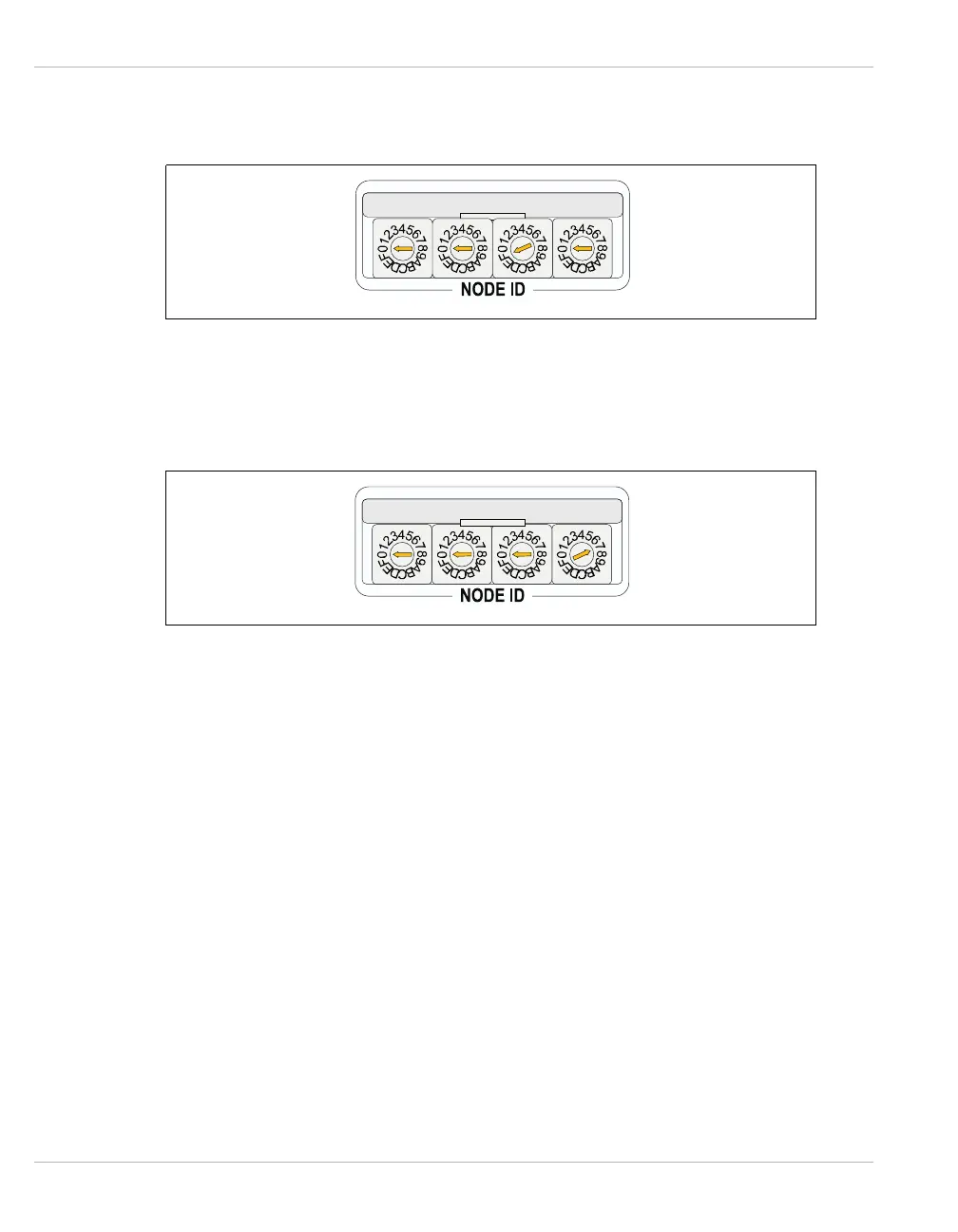
4. Set rotary switches 1 and 2 to 00. Figure 6-4 illustrates the CU address switch
settings.
Figure 6-4 CU Address Settings
5. Set rotary switches 3 and 4 to 07. Figure 6-5 illustrates the final configuration
of the Node ID switch settings.
Figure 6-5 Final Configuration
6. Press the Master Reset switch.
The IEN 1000 chassis can be configured through the network using the Rockwell high-
speed modem or the KS224 modem chip. In addition, you may connect the IEN 1000
chassis directly to the host IENView PC and configure the IEN 1000 chassis using the KS224
modem chip.



 To Next Page