Chapter 3 Program Tools 33
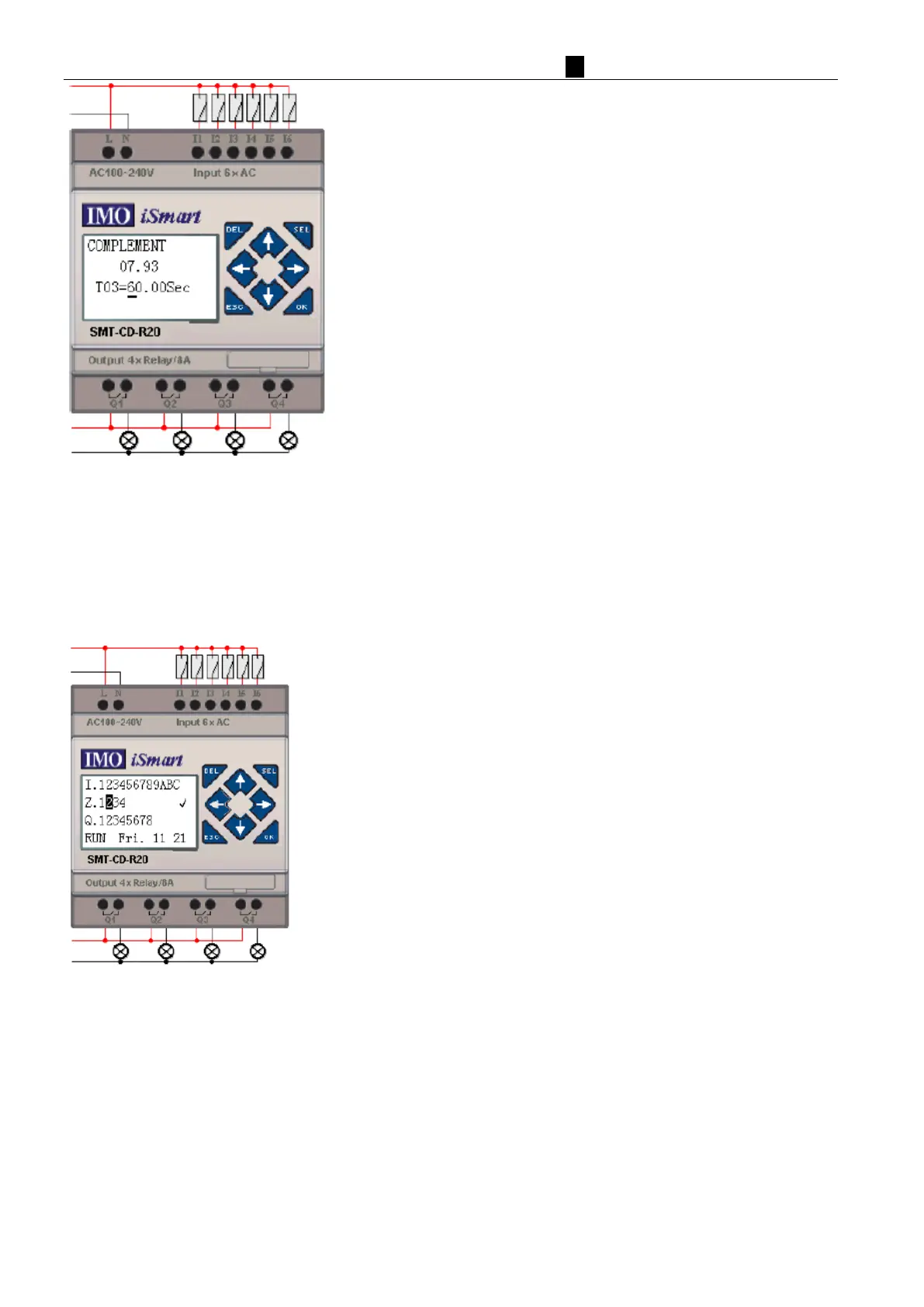
① Press “SEL” to display cursor
② Press “↑”, “↓”, “←”, “→” to move cursor
③ Press “SEL” again to choice modified position
④ Press “↑”, “↓” to change number and press “←”, “→” to move cursor
⑤ Press “OK” to make sure the modify value
P
ress “←” (Z02) to disable H03 coil, and the LCD display changes to initial frame.
Press “↓”(Z03) to reset Timer (T01、T02、T03) as program designed.



 To Next Page