Chapter 3 Program Tools 59
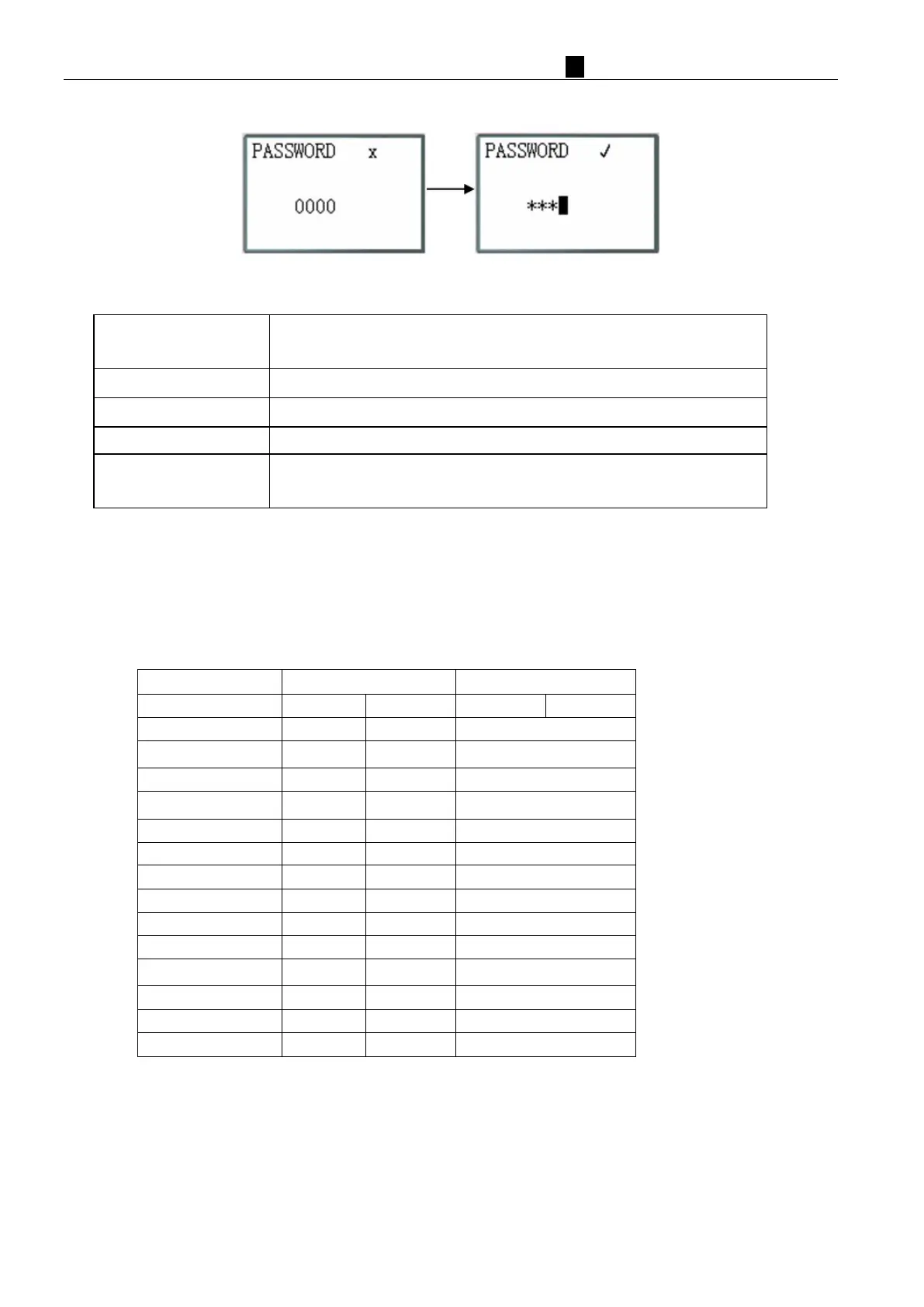
(7) PASSWORD (setting password)
N
ow Press
SE
L
1. Begin to input numeral
2. When the password is ON, it will not display 0000, but ****.
Save the input data, not 0000 or FFFF, as the PASSWORD is ON.
ESC
1. Cancel the Input Data when press ‘SEL’.
2. Back to Main Menu.
※ A Class: Password number is set to 0001~9FFF.
B Class: Password number is set to A000~FFFE.
Password number = 0000 or FFFF is disabled Password function, Default setting: 0000.
I
f there are H coils(HMI coils) enable, A/B Class password have same access right; If there are no H coils enable,
A/B password have different access right. A/B Class password Description:
PARAMETER √ √
※ ※
√: cannot accessed under password protecting
※:SEL+OK to enter RTC SET



 To Next Page