Chapter 3 Program Tools 60
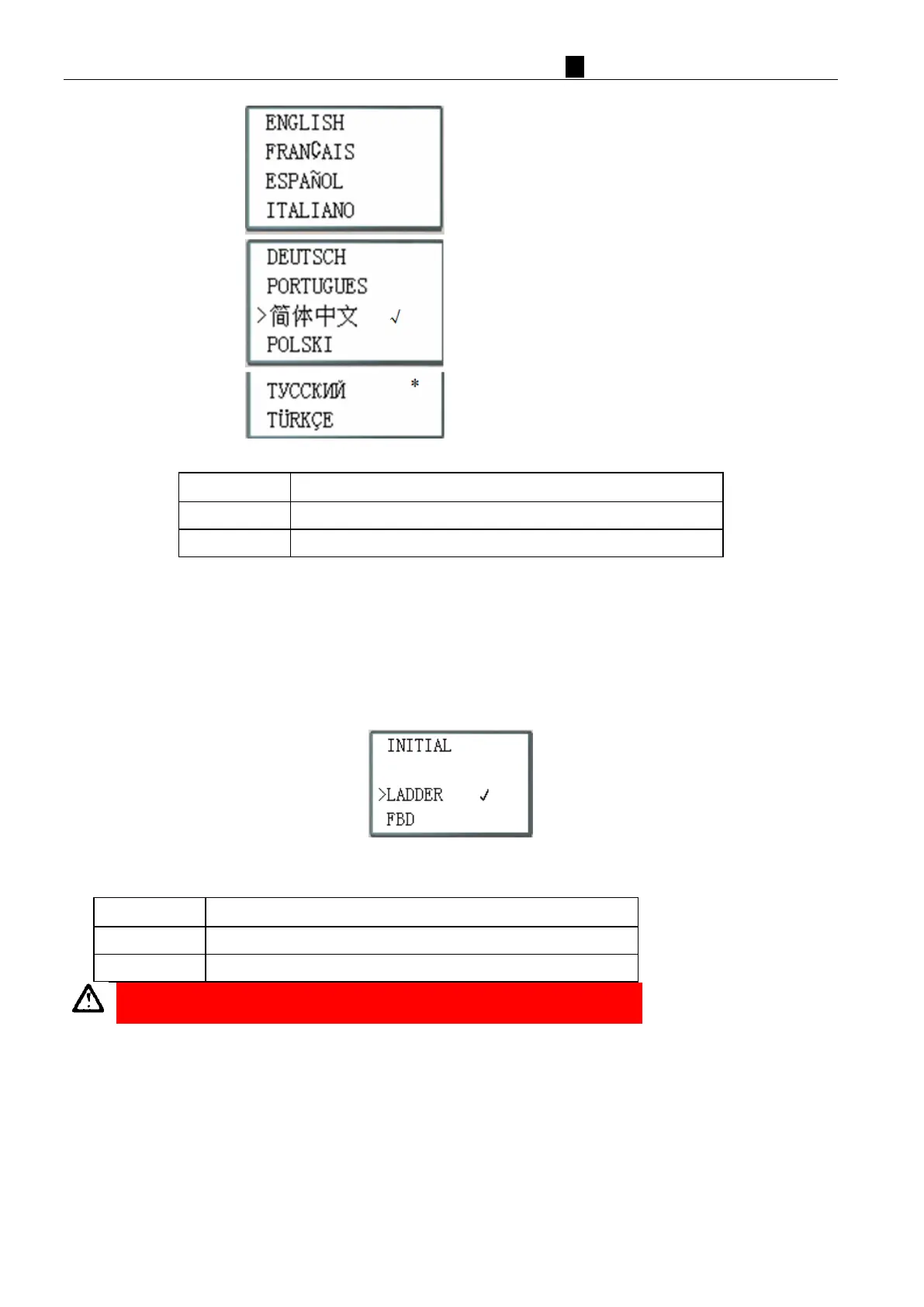
(8) LANGUAGE (Selection menu language)
E
nglish
Simplified Chinese
Russian
Turkis
h
N
ow Press
Vertically move the Cursor
Select the language the cursor located
※ L
anguage display “√” means current selection for menu language.
※ Language display“*”means current selection for HMI multi-language characters, only Russian or Turkish.
※ Press key “↑” or “↓” to move cursor and press OK key to select language, if select Russian or Turkish, HMI
multi-language characters also changed; if select other language, HMI multi-language characters don’t change.
(9
)
IN
ITIAL (select Ladder Logic or Function Block Diagram (FBD) programming environment)
N
ow Press:
Vertically move the Cursor
Select the mode the cursor located
The origin program will be cleared when changing the programming enviroment.



 To Next Page