7-4
SEQUENCE TO READ DIAGNOSTIC CODES
1. Rotate the instru-
ments-and-starter switch key to
position «ON» (position of mo-
tion).
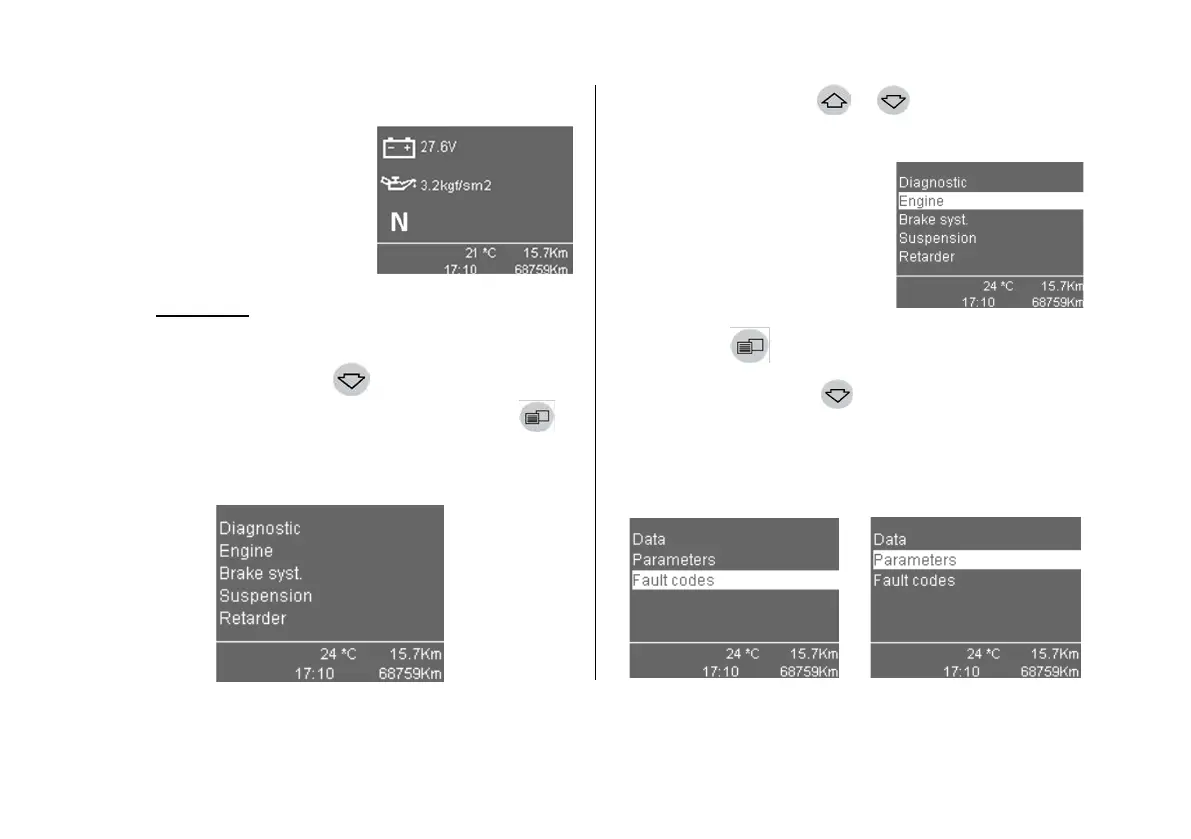
The home screen ap-
pears.
2. Engage the parking
brake.
Attention!
Diagnostic mode for all systems is possible only
in stationary vehicle (with parking brake engaged).
3. Depress the button
until the screen «Diag-
nostics» appears. Depress the «Menu key» button
.
The menu bar of diagnostics system selection becomes
highlighted.
4. With buttons
or pressed, select the ve-
hicle system (if available) for diagnostics:
- engine;
- brake system;
- after-treatment system;
- air suspension;
- ZF ASTronic gearbox;
- retarder;
- electric equipment.
5. Depress the «Menu
key» button
.
6. Depress the
button to select the «Fault
codes» menu bar.
When you select the «Parameters» line, the screen
with the parameters of the selected electronic control
system received via the CAN data bus opens.



 To Next Page