4-7
Information system control
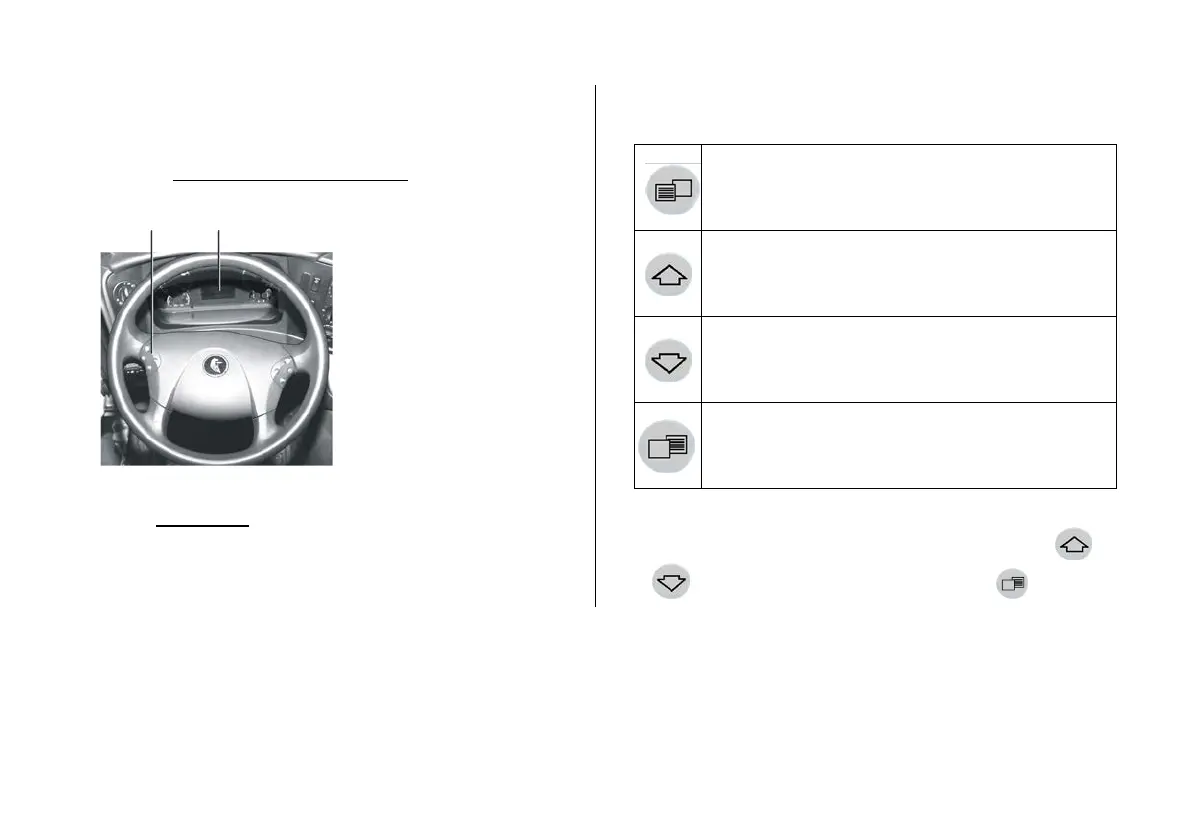
Information system control is carried out by the
buttons located on the steering wheel on the left side
(see Fig. Screen control on the display).
Attention!
Use information system functions only on a sta-
tionary vehicle with a parking brake engaged.
Turn over the information screens by buttons
or . To leave the screen press the button .
on the display
- information display;
-
buttons of screen control on
the display
information screen control
Menu access.
Confirmation of the message on display
Scrolling forward (choice of function)
Scrolling backwards (choice of function)
Exit from current screen/ return to the root menu



 To Next Page