14
9.7 SETTINGS
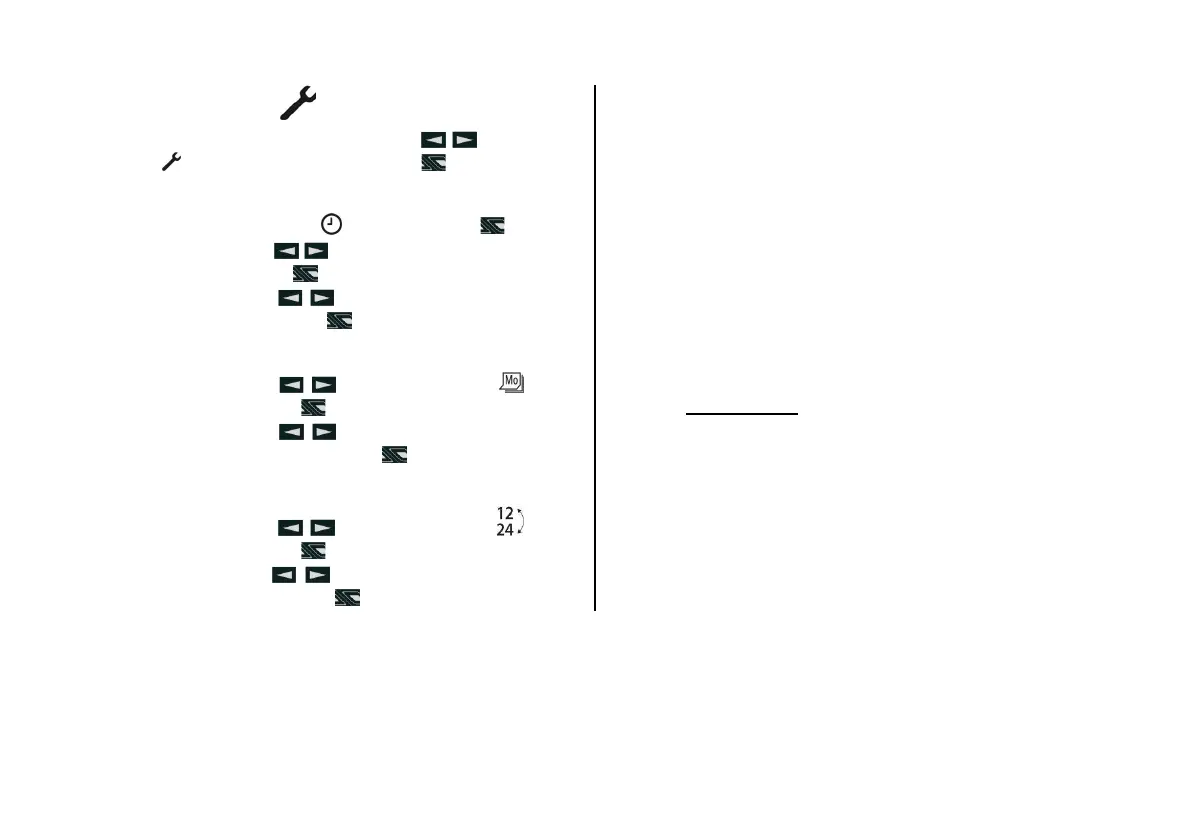
On the menu bar using buttons select the
symbol
and confirm using the button .
Time setting.
• Confirm the symbol
using the button .
• Using buttons
set the number of hours and
confirm with the button
.
• Using buttons
set the number of minutes
and confirm with the button
.
Weekday setting.
• Using buttons
select the symbol and
confirm using the button
.
• Using buttons
set the current day of the
week and confirm using the button
.
Setting of time display format.
• Using buttons
select the symbol and
confirm using the button
.
• Using buttons
select time display format
and confirm using the button
.
9.8 FACTORY SETTING
Program/ presetting:
• Group of days of the week Monday - Friday (Mo
– Fr).
• Time of beginning of trip, 7:00.
• Language DE.
• Time display format: 24 h.
• Operation time with a preset: 30 minutes.
• Operation time in continuous service of heating.
• Given value of temperature 21 °C above zero.
• Programming of setting time, time of beginning of
trip.
Please note!
Standard configuration is described in this opera-
tion manual. Information concerning the extended con-
figuration of control panel EasyStart Timer and special
functions can be found in installation manual «Special
functions and diagnostics» and downloaded on the web-
site: www.eberspaecher-standheizung.com/ download.


 To Next Page