3-13 Section 3 ?” Screen
Page 4 of 5
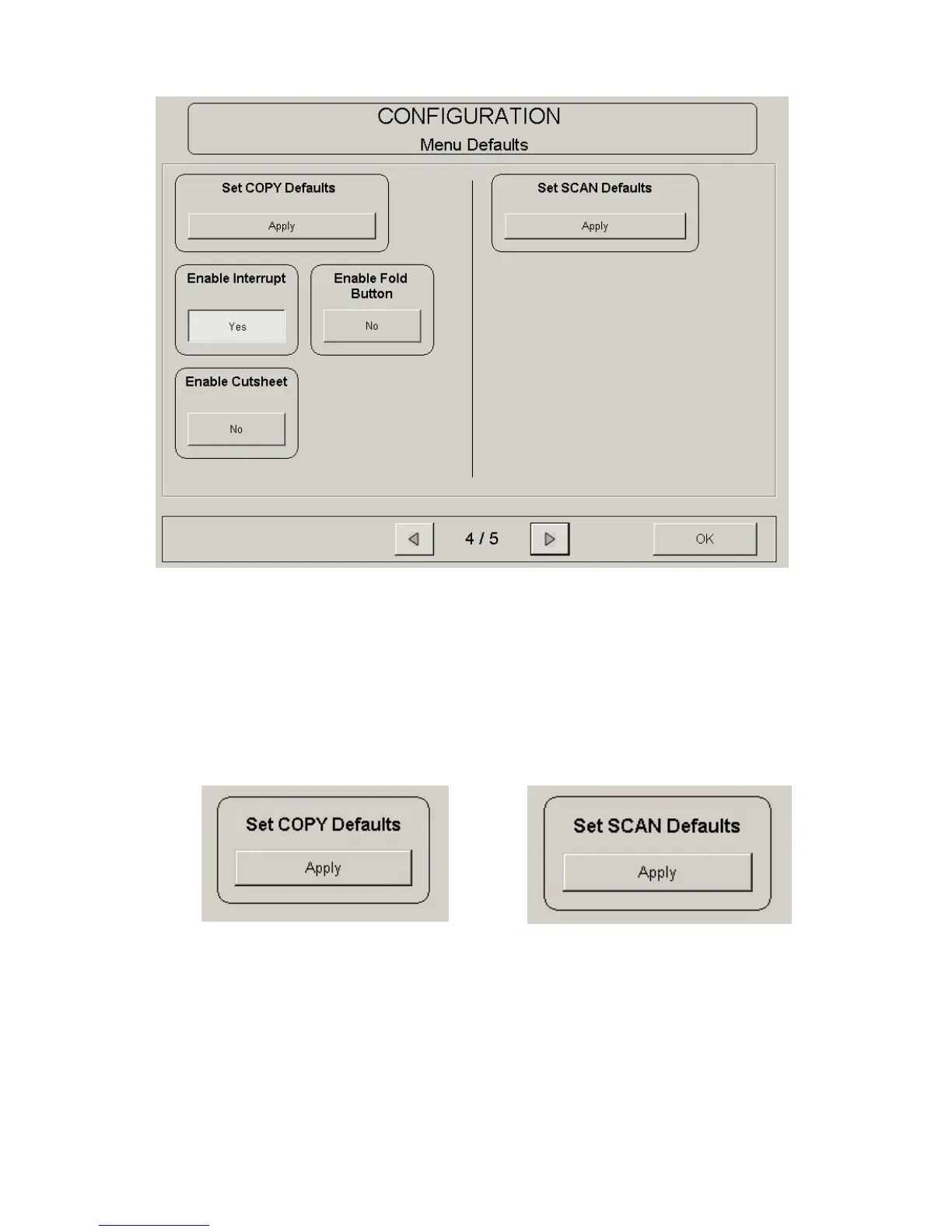
4.11 Copy and Scan Menu Defaults
Each KIP 5000 system provides powerful options regarding the preferred condition of the system
upon start up. KIP 5000 system operators may designate features to be active when the system is
powered on to ensure efficient use.
1) Set up Copy or Scan Modes in their main menu to the desired features
2) Access the configurations menu by depressing (?)
3) Select the “Configuration” button
4) Press the “Set Copy Defaults” or “Set Scan Defaults” button
5) Presets for either the Copy or Scan screens have now been designated.



 To Next Page