Section 1 Basic Printer Functions 1-44
3. 2. 2 User Mode 1: Image Enhancement Setting
Mode
Please Set the Touchscreen - “?”
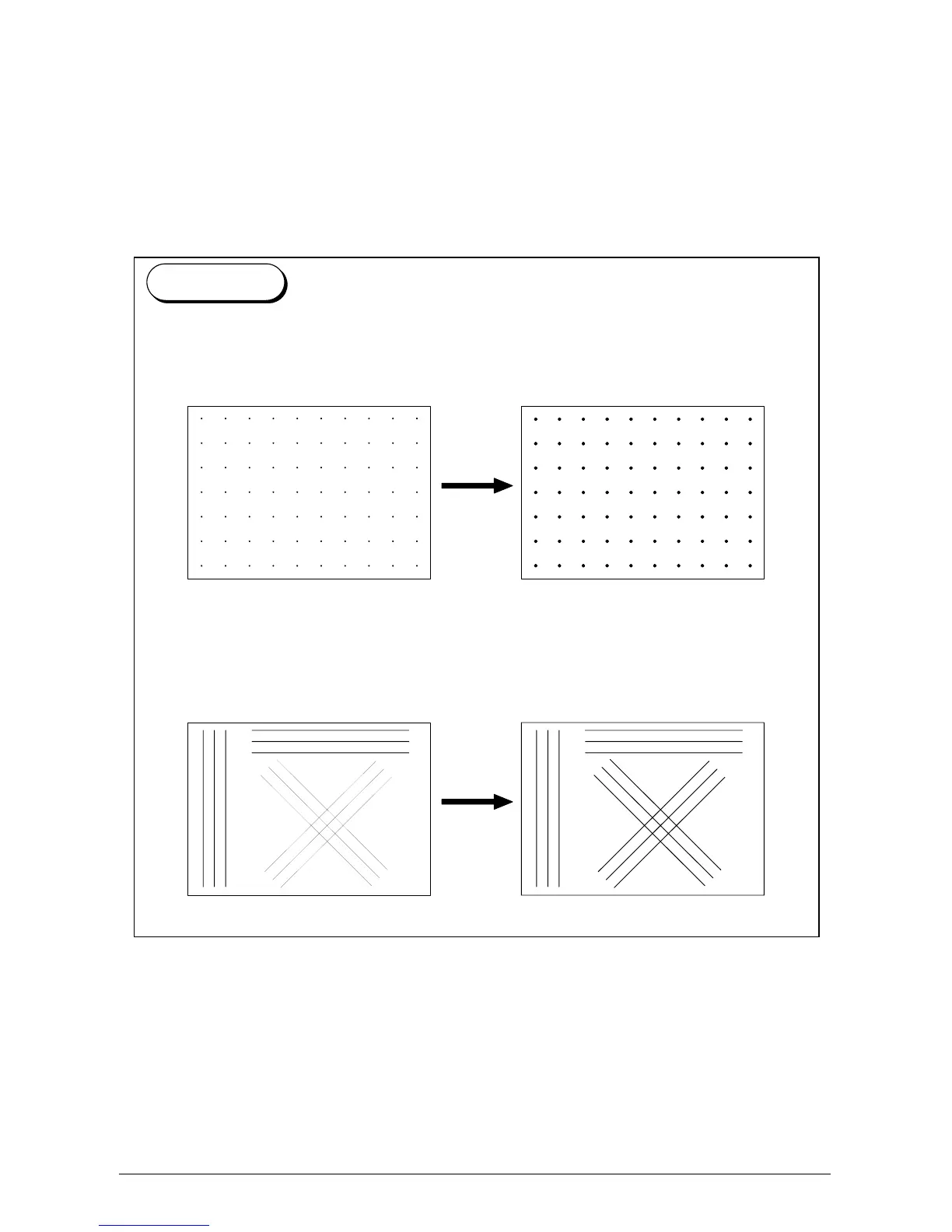
A weak image can be emphasized by functions such as the Dot Enhancement Level and the
Smoothing Function (which can make images it looks clearer).
(1) An isolated dot image can be emphasized by the Dot Enhance Level.
(Dot Enhance Level does not affect compacted dots.)
Isolated dots are emphasized.
(2) Diagonal lines tend to look weaker then vertical or horizontal lines. The Smoothing
Function emphasizes the diagonal line so that it becomes as clear as vertical and
horizontal lines.
Diagonal lines are emphasized
Reference



 To Next Page