Section 6 Request 6-13
2.5.1 Pen Configuration
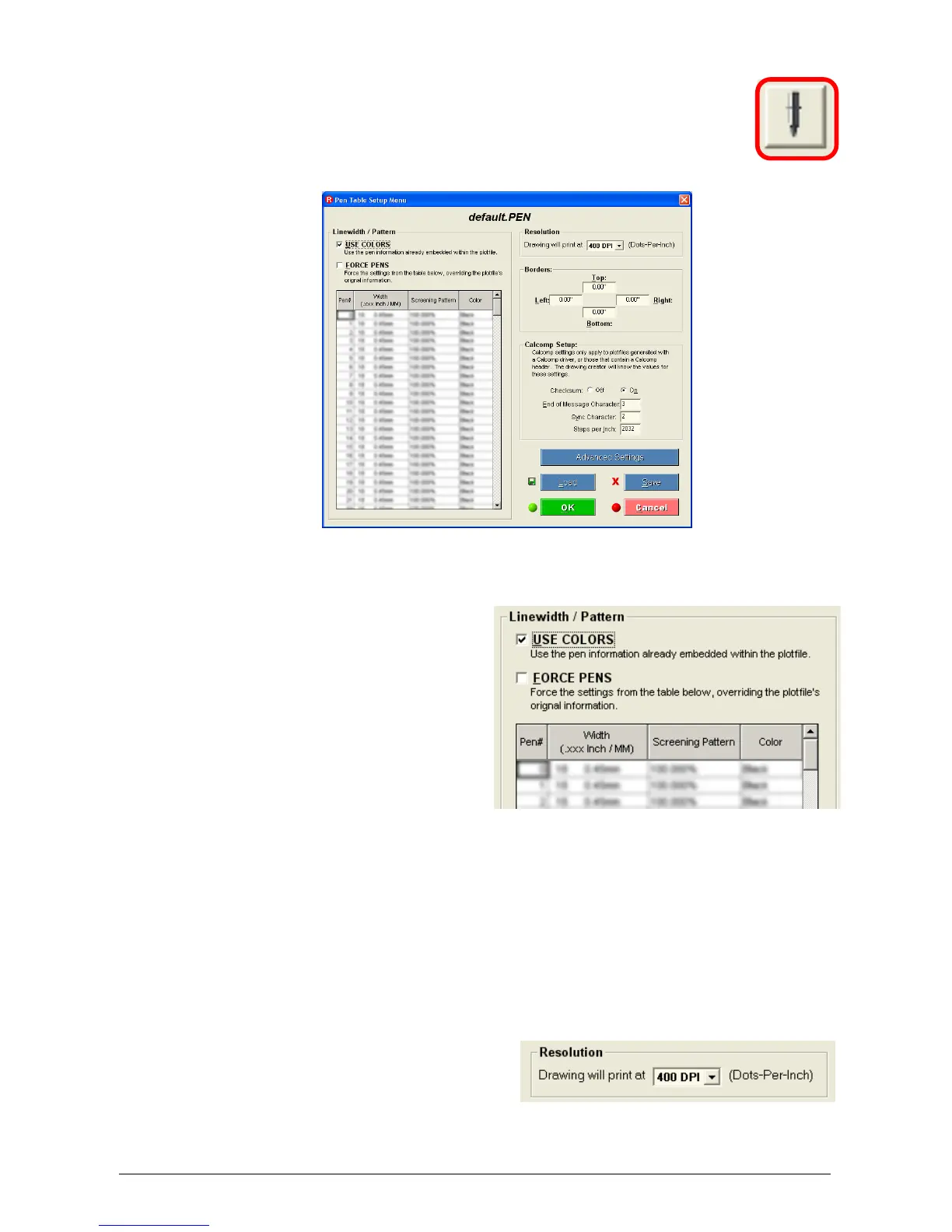
This button allows the modification of the settings of vector
plot files. Files’ pen table and screening information can be
changed. Plot File Setup also allows borders, modification
of halftone settings, dither patterns and more. The following
is a list of the all the controls:
2.5.1.1 Use Colors
This applies a file’s native pen
width information, and half
toning information. Unless
you are making changes to a
customer’s file, USE
COLORS is the setting most
often used. When USE
COLORS is applied, the Pen
Table is shaded.
2.5.1.2 Force Pens
Request allows you to edit pen widths and screening by pen number (with a
range of Pen 0 to Pen 255.) This forces the settings in the KIP Pen Table to
override the pen information originally embedded in the file. Most users will only
need to Force Pens if the customer needs to make changes to an existing file.
2.5.1.3 Resolution
Allows the selection the dots-
per-inch, or resolution, for
their documents to be
converted. The KIP 5000 is a
600 DPI device.



 To Next Page