7-7 Section 7 KIP Print Net
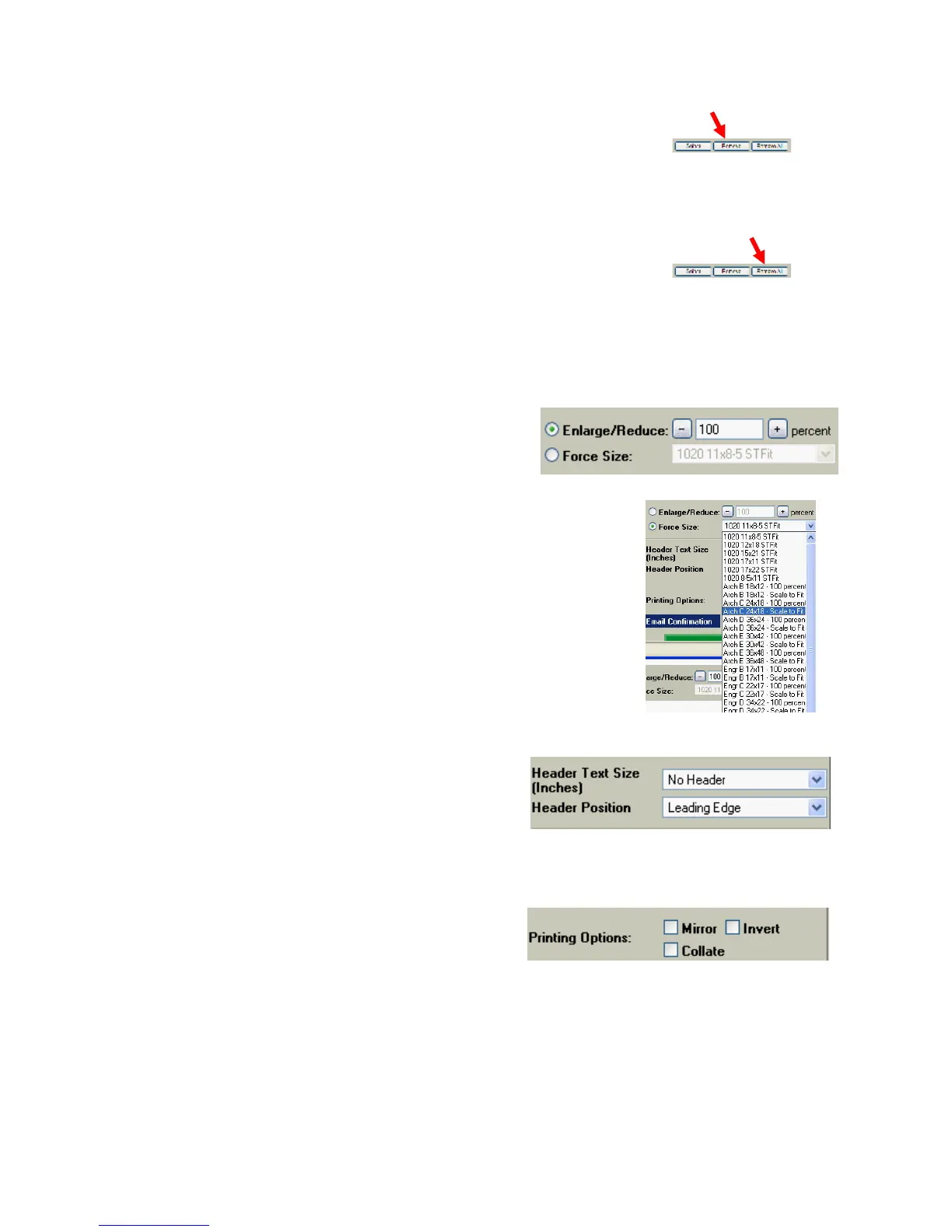
2.7 Remove
Select the file and use “Remove” to
deselect a file that is not required to be
printed
2.8 Remove All
Removes all files from the file selection
area.
2.9 Enlargement / Reduction & Force Size
The entire set of documents
selected can be reduced or
enlarged from 25% up to 400%.
If the user would prefer to print
files to a specific size media, the
‘Force size’ feature is available.
Entries in Force Size are
determined by KIP Request
software.
2.10 Header size and Position
Header (0.1 mm to 1.5mm) can be
deployed on the leading edge or trailing
edge of printed output.
2.11 Mirror / Invert / Collate
Users can choose to mirror or invert and
set collation can be enabled.



 To Next Page