Section 1 Basic Printer Functions 1-43
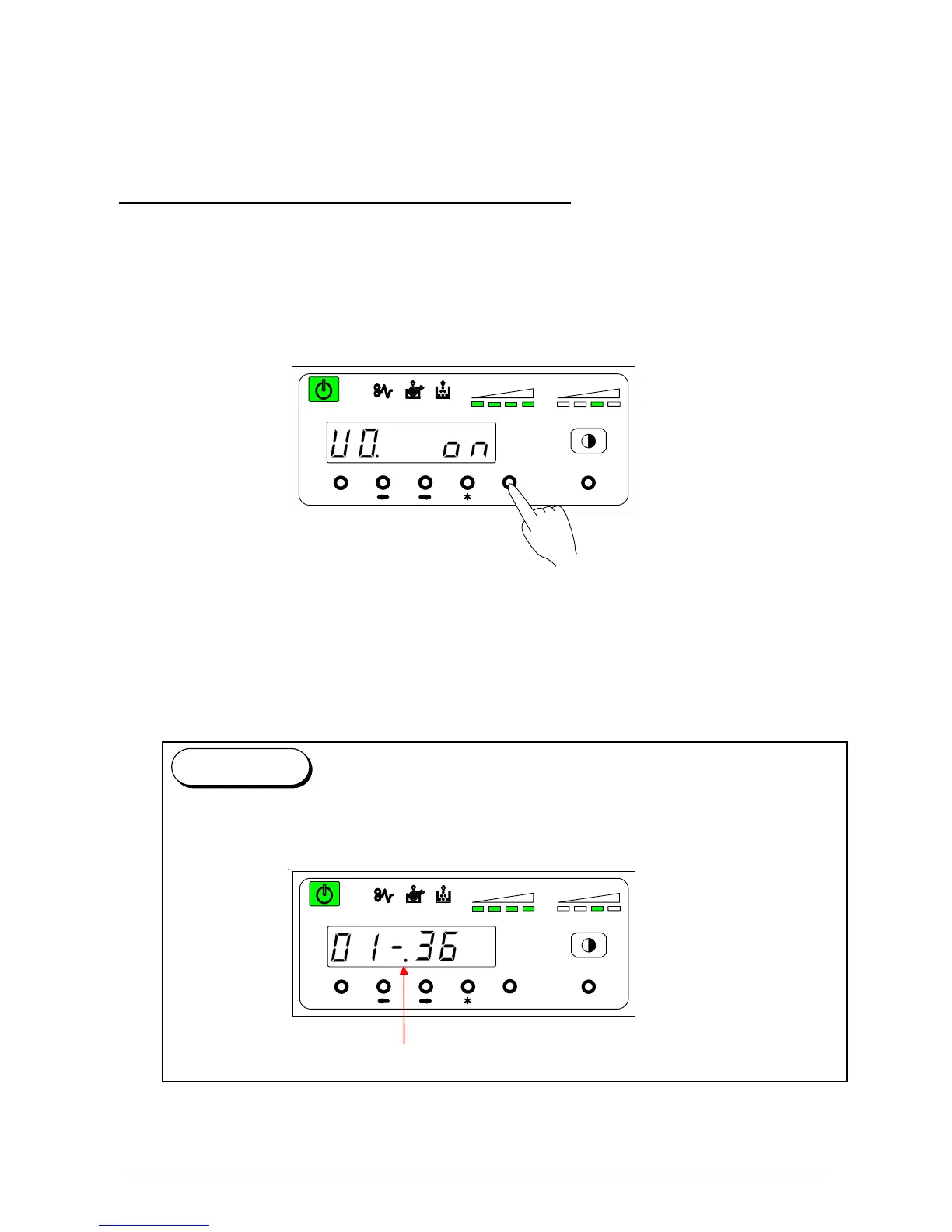
3. 2. 1 User Mode 0: Image Area Expanded Mode
Please Set the Touchscreen - “?”
Keep this mode always “Off”. (Do not change this setting.)
If this function is on, Image Area may expand to right, left and trailing edge side. However, this
function does not guarantee the image of the trailing side. In addition print productivity is reduced
compared with the normal operation.
Press [Enter] key to change the setting value.
U 0. on: Image area is expanded.
U 0. off: Image area is not expanded.
MENU ENTER TEST
TONER REMAIN IMAGE DENSITY
job
If the setting of “User Mode 0” is changed to “ON” and you exit the User Mode, a dot is
displayed after the hyphen.
a dot
Reference
MENU ENTER TEST
TONER REMAIN IMAGE DENSITY
job



 To Next Page