Section 1 Basic Printer Functions
1-60
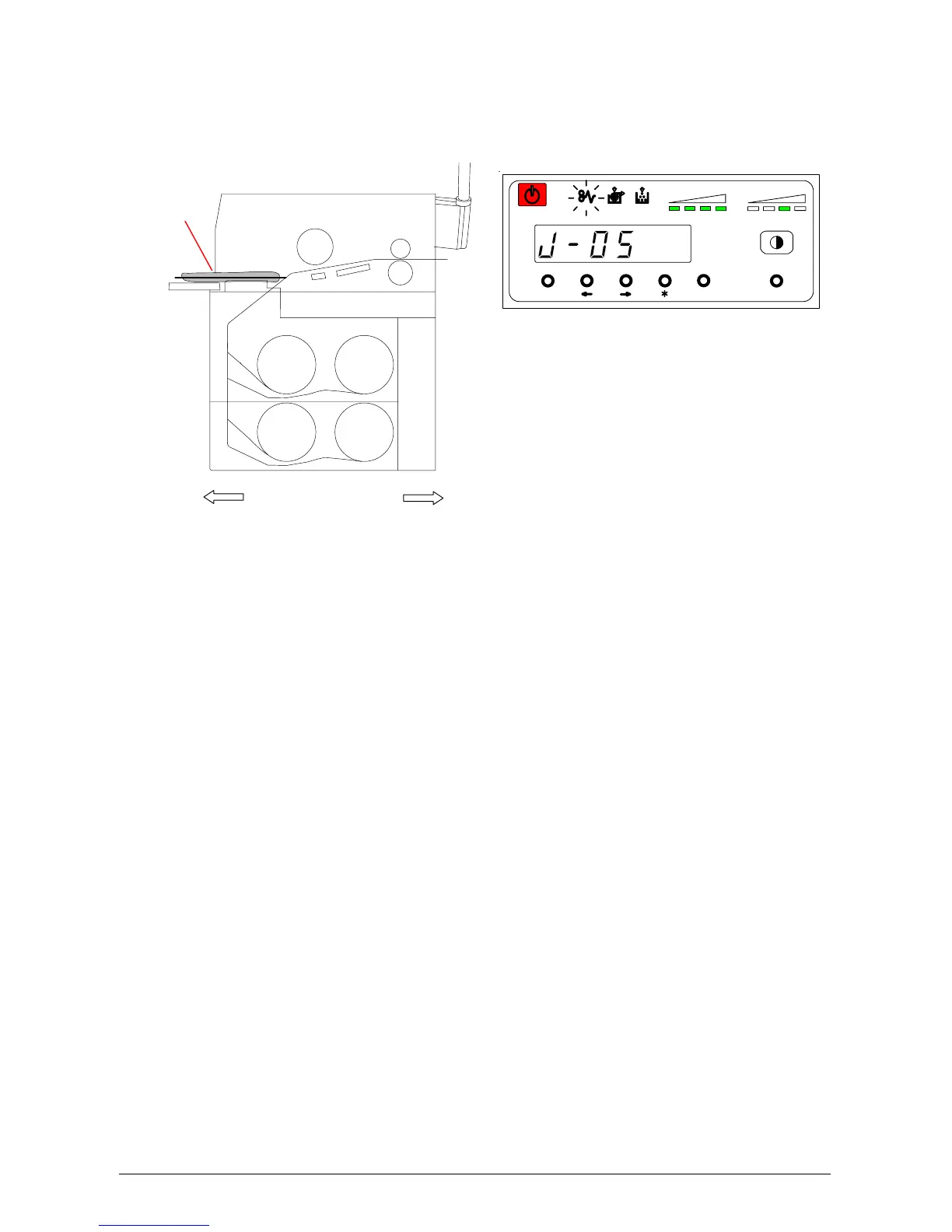
4. 1. 2 Paper Mis-feed in Manual Feeder Section (J-05)
When the Paper Mis-feed occurs in a Manual Feeder, the Operation Panel indicates a “J-05”.
Clear the Paper Mis-feed by gently pulling out the mis-feed paper. If the leading edge of the paper
is torn or folded, replace it with a new sheet.
MENU ENTER TEST
TONER REMAIN IMAGE DENSITY
job
Roll 3
Roll 4
Roll 1
Roll 2
Front Rear
J-05



 To Next Page