Section 1 Basic Printer Functions 1-9
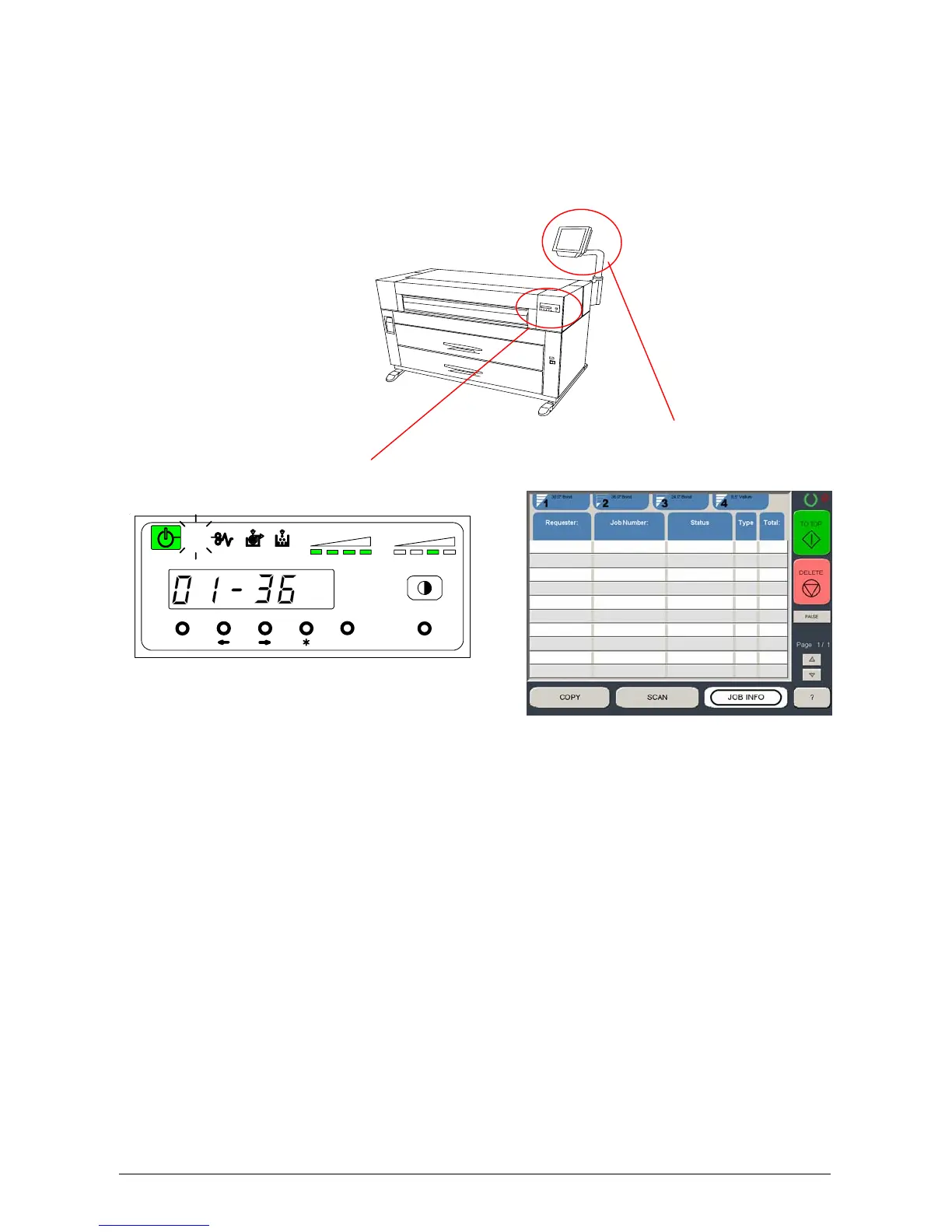
1. 5. 3 Touchscreen / Sub Display Panel
There is a Touchscreen and a Sub Display Panel on the printer.
Some functions on the Touchscreen are also displayed on the Panel.
Refer to the following page for indicators and basic functions of the Operation Panel / Touchscreen.
The following pages only contain notes on the “Job Info” screen which
is used in a printer only configuration.
Other menus or screens may also be accessible but are detailed in other
User Guides. Other screens may be included in alternative options of the
KIP 5000.
Sub Display Panel
MENU ENTER TEST
TONER REMAIN IMAGE DENSITY
job
Touchscreen



 To Next Page