7-8 Section 7 KIP Print Net
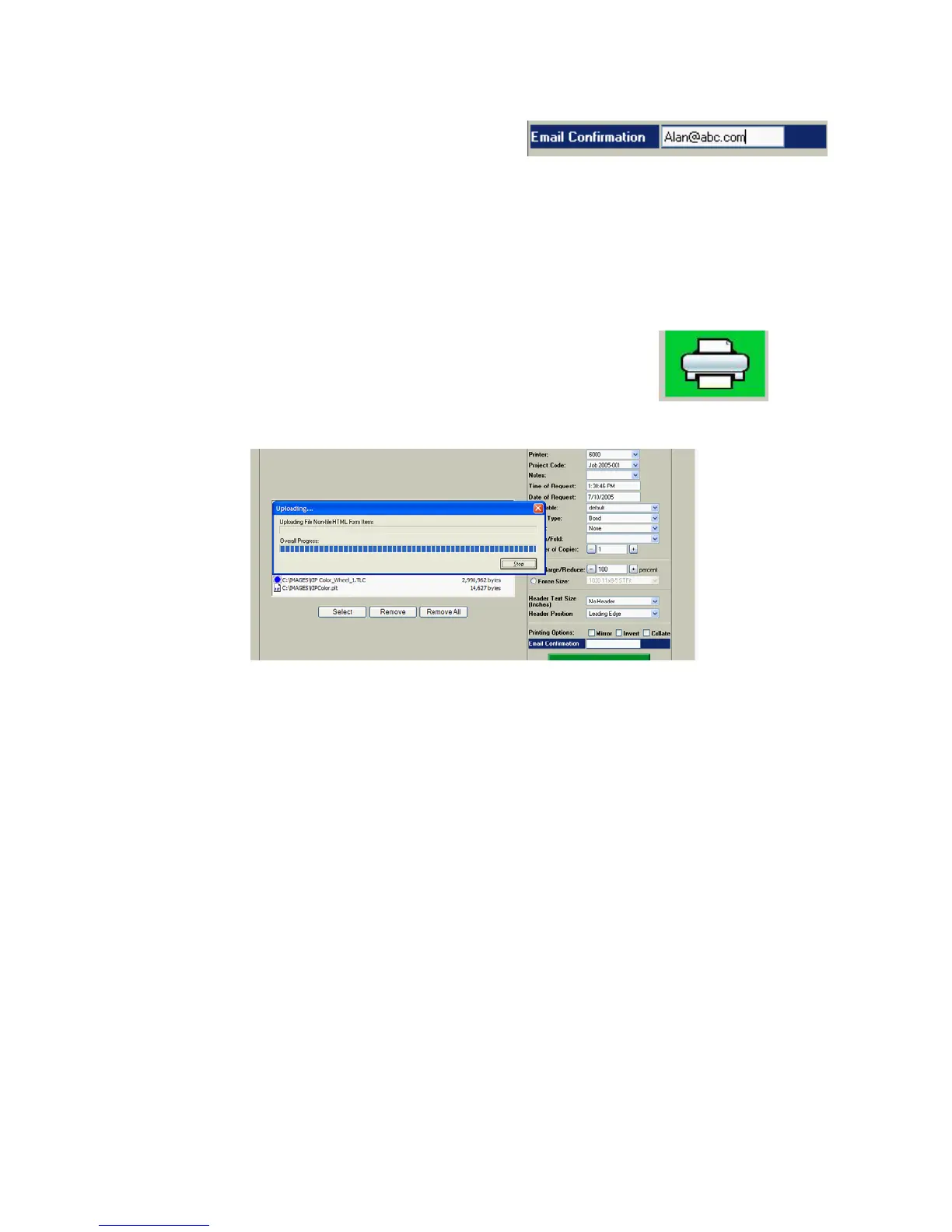
2.12 Email Confirmation
Users may enter an e-mail address
where confirmation of a print job
submission will be sent. The Installation
and Setup section of this document
describes this feature and the function in
greater detail.
2.13 Submit Print Job
This sends the selected print files and job information to the
host PC for printing.



 To Next Page